Remove Water From Speaker Sound
Water Out, Clear Sound In!
0%
MODE

If you’ve ever dropped your phone in water or accidentally splashed it, you’ve probably noticed the sound from your speaker going completely muffled.
It’s frustrating, right?
Water trapped inside your speaker can severely affect sound quality. It causes distortion and even risks long-term damage like corrosion or electrical shorts.
But before you give up on your device or pay for expensive repairs, there are a variety of DIY methods and speaker cleaning tools to remove water from speaker sound.
Wondering how it works? Sound wave technology is key to safely ejecting water from your speaker.
Want to learn more? Dive into our full blog for all the details!
Immediate Steps to Take After Water Exposure
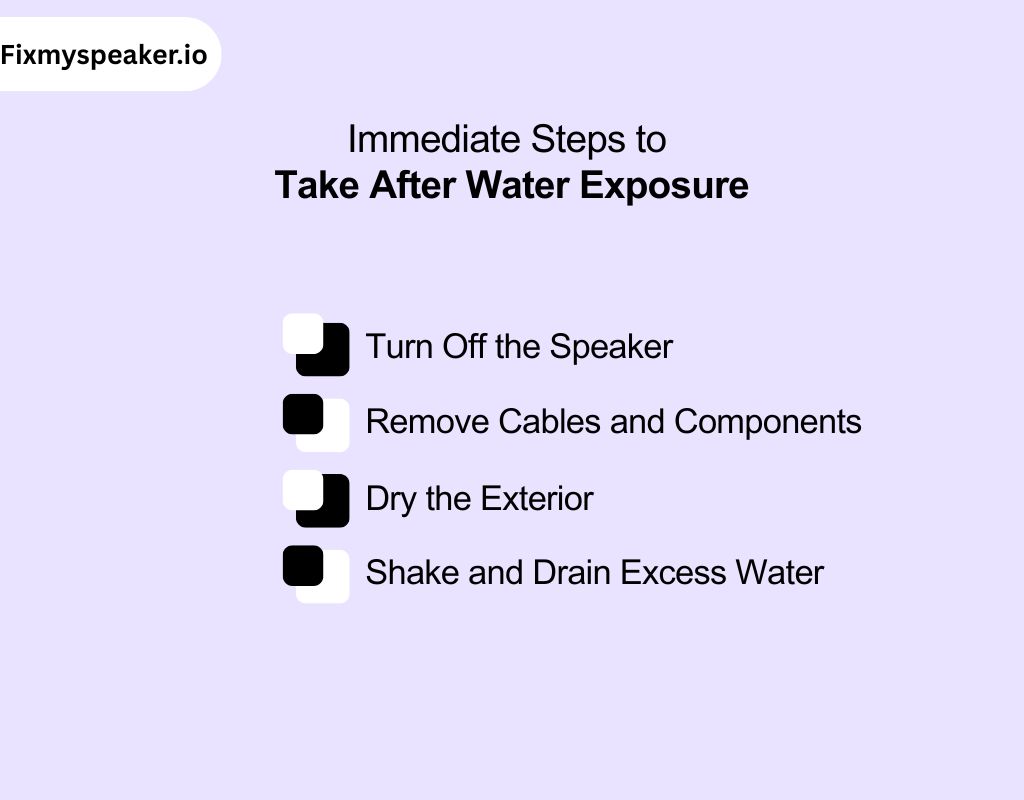
Water exposure can quickly lead to internal damage if not addressed. Quick action to get water out of speaker sound is crucial for minimizing long-term harm.
Here’s how you can respond immediately:
1. Turn Off the Speaker
Power off your speaker instantly. This prevents electrical shorts and further damage to the internal components. Keep it off until you’re sure it’s completely dry.
2. Remove Cables and Components
Unplug any connected cables or accessories. This prevents water from reaching deeper into the internal electronics and avoids additional electrical damage.
3. Dry the Exterior
Wipe the outside of the speaker with a soft, dry cloth. Be gentle and avoid pushing moisture into the speaker’s openings, which could worsen the damage.
4. Shake and Drain Excess Water
Hold your speaker upside down and gently shake it. This will help expel trapped water from the internal parts, reducing the risk of internal corrosion or short circuits.
Just like mold can spread quickly in the first 72 hours after water exposure, internal corrosion or failure can occur in your speaker.
How to Use Fix My Speaker to Remove Water From Speaker Sound
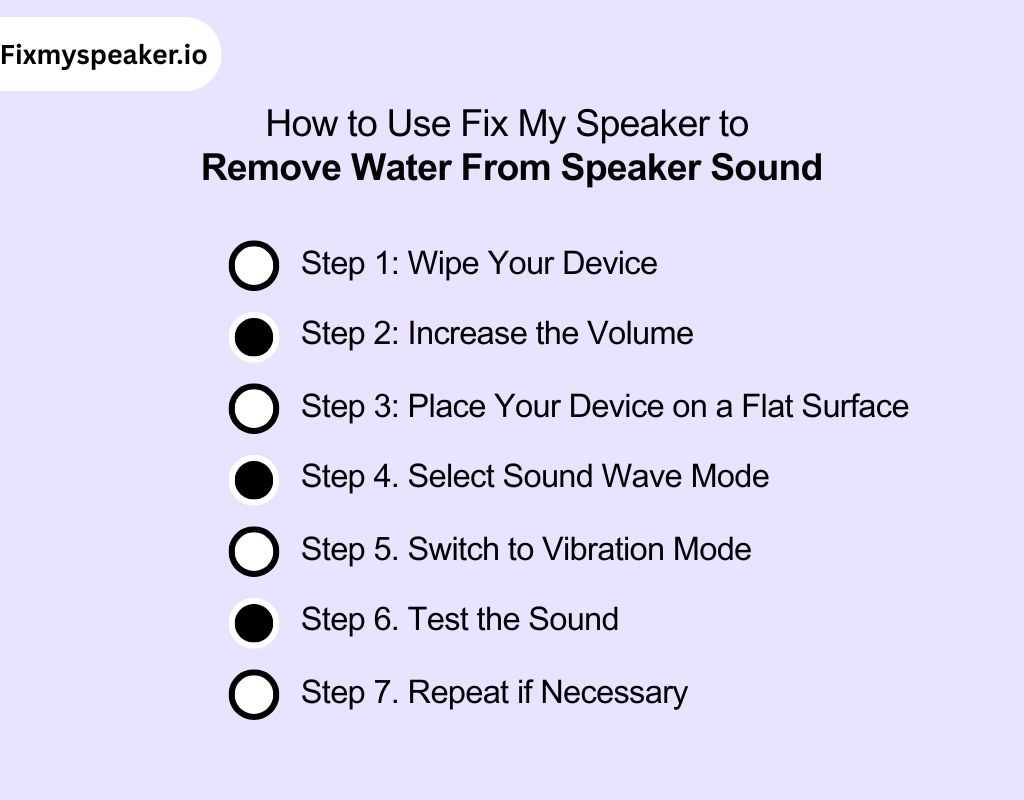
Fix My Speaker is a simple and effective tool to remove water from your phone’s speakers. Here’s a step-by-step guide to using the tool to remove water from speaker sound:
Step 1: Wipe Your Device
Start by turning off your phone immediately to avoid any short circuits. Use a microfiber cloth to gently wipe away visible water from the phone’s exterior. Be especially cautious around the speaker area to avoid pushing moisture further into the device.
Step 2: Increase the Volume
Turn the volume on your phone to maximum. This will help the sound waves work at full intensity. Also, it ensures that the vibrations are strong enough to push water out of the speaker.
Step 3: Place Your Device on a Flat Surface
Place your phone on a flat, stable surface with the speaker facing down. This will allow gravity to assist in pushing the water out of the speaker. The moisture exits through the speaker openings.
Step 4. Select Sound Wave Mode
Select the sound wave mode. The tool will emit specific frequencies that cause the speaker diaphragm to vibrate.
It helps to shake loose the water. Press Start and wait until the progress bar hits 100%.
Step 5. Switch to Vibration Mode
After completing the sound wave mode, switch to vibration mode. This mode uses physical vibrations to further shake any remaining water droplets loose. Press Start again and wait for the progress bar to reach 100%.
Step 6. Test the Sound
After both modes have finished, test the speaker by playing music or a test sound. If the audio is clearer and no longer muffled, it means the water has been successfully ejected from the speaker.
Step 7. Repeat if Necessary
If the sound is still muffled, repeat both modes 2-3 times. Sometimes, deeper water may require additional cycles to completely clear out.
The Science Behind Sound Wave Technology: What Makes Our Tool Effective?

Our tool uses sound wave technology to remove water and debris from your device’s speakers. To have a guaranteed answer on how to remove water from speaker audio, have this quick overview of its working principle:
1. Operating Principle
The tool works by emitting precise sound frequencies through your device’s speaker. These sound waves create vibrations that target the internal components. The vibrations dislodge trapped moisture or particles, restoring the speaker’s function without causing any harm.
2. Frequency Range and Modes
The tool utilizes sound waves within a specific frequency range to address different types of debris. Frequencies can range from low tones to ultrasonic levels, reaching up to 25 kHz.
These frequencies are designed to trigger vibrations strong enough to shake free water but gentle enough to avoid damaging internal parts.
3. Mechanism of Action
The core mechanism relies on the pressure fluctuations caused by sound waves. These fluctuations cause the diaphragm to vibrate, helping to dislodge moisture or debris stuck in the speaker’s mesh or other internal areas.
4. Safety and Compatibility
The tool is designed to be safe for use on all compatible devices. The sound frequencies are finely tuned to avoid overloading or damaging delicate internal components. It works with a wide range of devices, including iPhones, Android phones, and Bluetooth speakers.
How Does the Hz Sound Frequency Method Work to Remove Water From Speaker Sound?
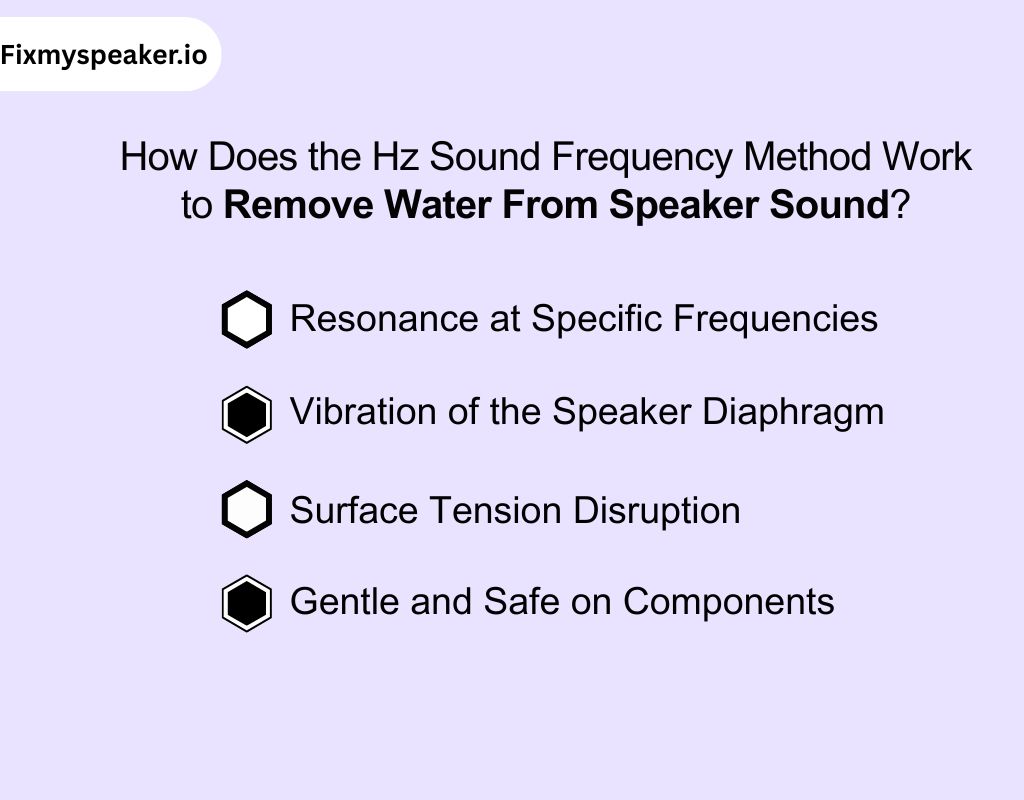
The Hz sound frequency method utilizes the interaction between sound waves and water to expel moisture from your speaker without causing damage. Here’s how it works to remove water from speaker sound:
1. Resonance at Specific Frequencies
Every object has a natural frequency at which it vibrates most effectively, which is called resonance. When a speaker emits sound at a precise frequency, it forces the diaphragm and surrounding water droplets to vibrate at their resonant frequency.
This creates pressure waves that break the surface tension to remove water from speaker noise. This moves the water from inside the speaker to the openings.
2. Vibration of the Speaker Diaphragm
The diaphragm in the speaker moves in response to an alternating current that creates a magnetic field in the voice coil.
When the speaker emits a targeted frequency, such as 165 Hz, the diaphragm vibrates at this specific rate.
It generates mechanical oscillations strong enough to dislodge water droplets from the internal components.
3. Surface Tension Disruption
Water has high surface tension due to hydrogen bonds between its molecules. These bonds create cohesion, causing water droplets to cling to surfaces.
When the sound to get water out of speaker waves at the chosen frequency, the vibrations generate enough energy to break these molecular bonds temporarily.
Simple, water loses its adherence to the speaker components, making it easier for it to be expelled.
4. Gentle and Safe on Components
The specific frequency is selected carefully to create water removal sound from speaker.
Frequencies in the 160-170 Hz range have been proven strong enough to disrupt water’s surface tension. But it doesn’t cause mechanical stress on the speaker’s delicate structures.
It helps prevent sound integrity and component longevity
Common Causes of Water Damage in Speakers
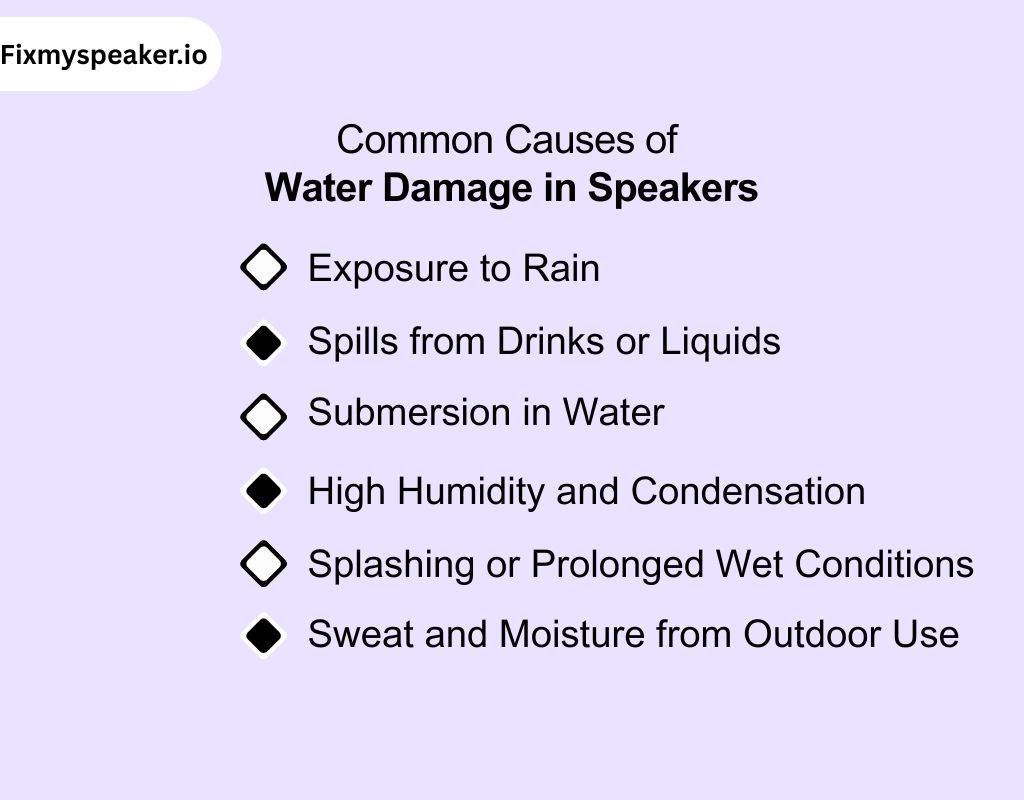
Water can infiltrate your speaker through various scenarios, causing significant damage to internal components.
1. Exposure to Rain
If you leave your speaker outdoors during rain, water can seep into the internal components. Even slight exposure can cause short circuits and corrosion, especially in non-waterproof models.
2. Spills from Drinks or Liquids
Accidental liquid spills, like from a drink, can saturate the speaker’s membrane and internal wiring.
This may lead to electrical failures and distorted sound due to water interference.
3. Submersion in Water
If your speaker drops into water, whether in a pool, sink, or bathtub, it introduces large amounts of moisture into the internals. This can cause irreversible damage if not immediately addressed.
4. High Humidity and Condensation
In areas with high humidity, moisture can accumulate inside the speaker. This affects components like the voice coil and diaphragm. You may experience distorted or muffled sound due to water absorption.
5. Splashing or Prolonged Wet Conditions
If a speaker is exposed to splashes or remains in wet conditions for too long, it can damage the electrical circuit. Prolonged exposure to water can lead to corrosion and malfunctions.
6. Sweat and Moisture from Outdoor Use
Outdoor activities like camping or hiking expose speakers to sweat and moisture. Over time, this can erode seals and coatings, allowing water to reach sensitive internal parts.
How Water Causes Short Circuits in Speakers?
Water, being a conductor of electricity, can be incredibly dangerous for your speaker. When it enters, it can create unintended electrical connections which is known as short circuits.
This happens because water allows electrical current to flow where it shouldn’t, bypassing the speaker’s normal pathways.
Essentially, water bridges the gap between parts that should remain isolated. It causes the current to flow between the positive and negative terminals.
This short circuit can lead to burnt-out components, distorted sound, or even a completely inoperable speaker.
The danger escalates if the speaker is on when water enters. As water infiltrates, it can quickly cause irreversible damage.
Does Water Permanently Damage Your Phone Speaker?
Yes, water can permanently damage your phone’s speaker.
When water enters, it can short-circuit the voice coil’s wiring, preventing it from moving properly in the magnetic field. This results in distorted sound.
You may not notice it right away, but over time, the voice coil’s metal components, like copper, begin to corrode.
This corrosion increases resistance and reduces the speaker’s ability to produce clear sound. The diaphragm, which vibrates to create sound, can also warp when exposed to moisture, causing muffled audio.
Even if your speaker works initially, water damage builds up slowly, eventually leading to complete failure. So, if you notice any changes in sound, it could be the start of bigger issues down the road. Head to plan for removing water out of speaker.
Advantages of Using Sound Frequency to Remove Water From Speaker Sound
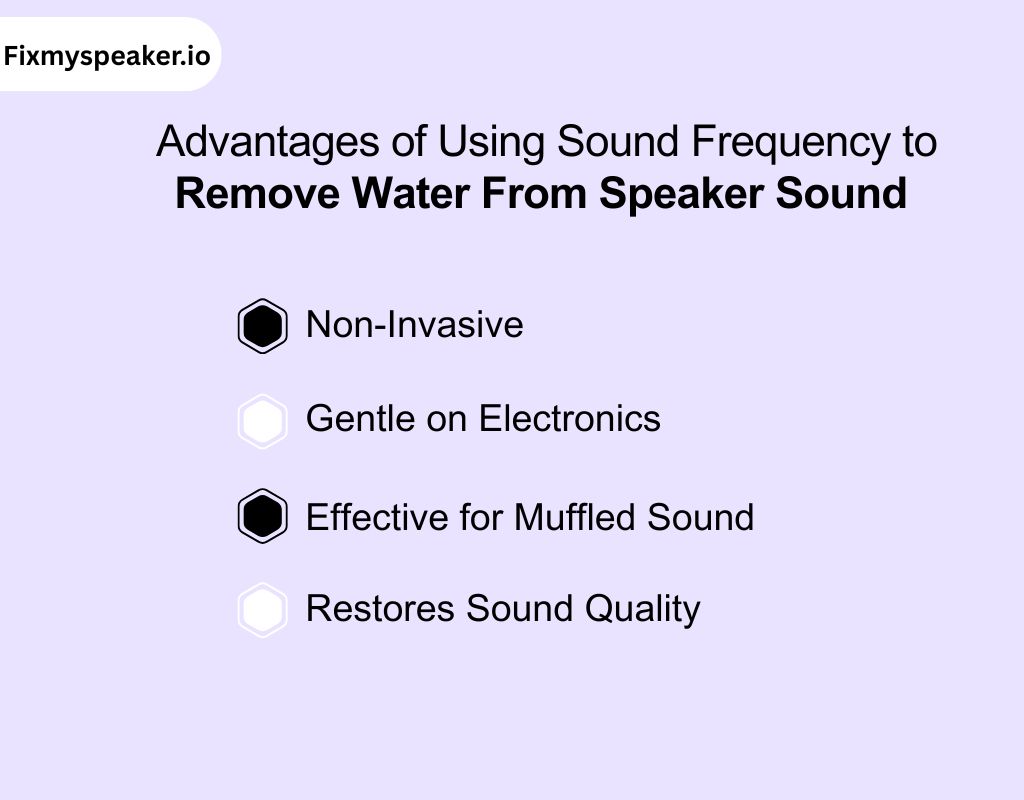
Sound for removing water from speaker provides a precise, effective way to eject water from speakers. Know about some of the key technical advantages:
1. Non-Invasive
A buzz sound to remove water from speaker operates externally, without requiring you to open the speaker. It works by emitting sound waves at specific frequencies, which causes the diaphragm to vibrate.
Great part? You don’t need to physically touch delicate components. This helps you avoid potential damage, such as misalignment of the voice coil or diaphragm.
2. Gentle on Electronics
With sound frequency or water removal from speaker sound, only acoustic energy is used to remove the water. There’s no risk of electrical shorts, as no moisture or conductive tools are introduced into the speaker.
The vibrations are precisely tuned to target the water. It avoids any impact on sensitive components like the voice coil, magnet, and wiring.
This ensures that the delicate electronics remain undamaged throughout the process.
3. Effective for Muffled Sound
After water exposure, a speaker’s diaphragm may be blocked, causing the sound to become muffled. Sound frequencies induce vibrations that dislodge water droplets from the diaphragm.
This restores its ability to move freely and helps the diaphragm to vibrate naturally. As a result, you get back clear and full-range sound, without the muffling effect caused by trapped moisture.
4. Restores Sound Quality
By using targeted frequencies, sound waves break the surface tension of the water. This ensures that water is fully expelled, and you can prevent mineral deposits or moisture from causing long-term damage.
With the water removed, your speaker’s sound quality is restored to its full potential.
Comparative Table: Key Features of Popular Speaker Cleaner Tools
Have a comparative analysis on some popular tools to remove water from speaker sound:
| Speaker Cleaner Tool | Frequency Range | Modes Available | Unique Features |
| Fix My Speaker | 20 Hz to 20 kHz | Sound Mode, Vibration Mode | Effective for water removal and enhanced audio clarity. Ideal for multiple devices. |
| CleanMyPhone | 50 Hz to 18 kHz | Auto Clean, Manual Clean | Focuses on dust removal and noise cancellation with customizable options. |
| Speaker Cleaner Pro | 30 Hz to 20 kHz | Vibrate, Sweep | Deep cleaning restores volume, and helps with removing trapped moisture. |
| SoundFixer | 25 Hz to 19 kHz | High/Low Frequency | Removes moisture and enhances sound clarity, focusing on restoring natural audio performance. |
| AudioClean | 20 Hz to 18 kHz | Frequency Sweep, Vibration Mode | Clears debris and enhances bass frequencies for richer sound quality. |
| Phone Speaker Cleaner | 20 Hz to 20 kHz | Standard, High-Power | Improves sound clarity and removes water, focusing on general audio quality enhancement. |
Other DIY Ways to Remove Water From Speaker Sound
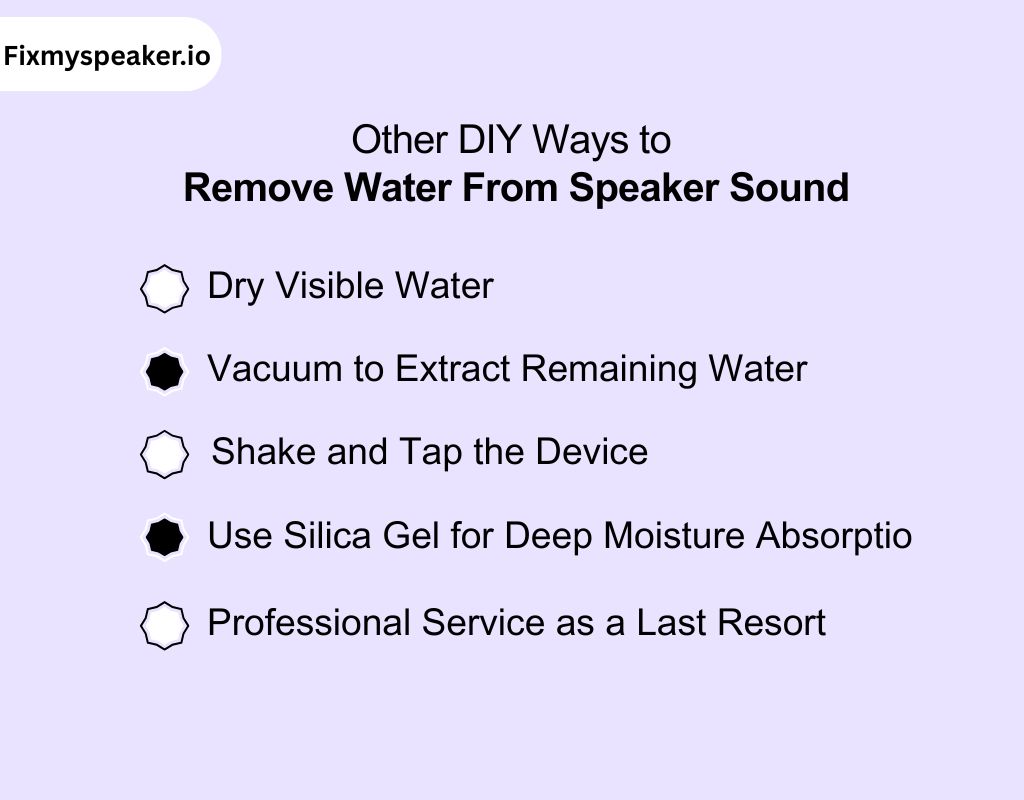
Water exposure in your speaker can cause distortion and muffled audio, but there are effective ways to resolve the issue. Here’s a more technical guide to remove water from speaker sound:
1. Dry Visible Water
Start by powering off your device immediately to prevent any short circuits. Use a microfiber cloth to gently blot off visible water from the speaker’s surface and ports. This helps stop further moisture from seeping deeper into sensitive internal components.
2. Vacuum to Extract Remaining Water
After wiping off visible water, use a vacuum cleaner with a low suction setting. Attach a narrow nozzle to focus the suction on the speaker grille. This method is effective for extracting water trapped inside tight spaces, preventing internal corrosion.
3. Shake and Tap the Device
Hold your device with the speaker facing down and gently shake it to help remove any leftover water.
You can also lightly tap the back while it’s speaker-side down so gravity can pull the moisture out, even from those hard-to-reach spots.
4. Use Silica Gel for Deep Moisture Absorptio
If water has soaked into the internal components, place your device inside a sealed bag with silica gel packets. These desiccants absorb moisture through a process known as hygroscopic absorption. It helps dry out the speaker’s internal parts over a 24-48 hour period.
Silica gel works better than rice as it draws moisture more effectively and without leaving residue.
5. Professional Service as a Last Resort
If these DIY methods don’t restore clear sound and you’re still wondering how to get water out of speaker, it’s best to contact a professional technician.
They offer more advanced solutions like replacing affected components or performing a full diagnostic.
When to Seek Professional Help
Sometimes DIY methods just don’t remove water from speaker sound. If you’re noticing persistent issues even after trying to remove water, it’s time to consider professional help.
Here’s when you should make the call:
- If the sound remains muffled or distorted after using DIY methods, it may indicate that water has reached deeper internal components, like the voice coil or diaphragm.
- If you spot visible signs of corrosion, such as rust around the speaker openings or inside the grille, it’s a clear sign that moisture has been lingering.
- If you’ve tried shaking, vacuuming, or using silica gel and still hear water sloshing inside, the moisture might be stuck deep in the speaker.
- If the speaker won’t turn on or stops functioning entirely after water exposure, it’s a sign of potential electrical failure.
Things to Avoid Doing After Dropping Your Phone in Water
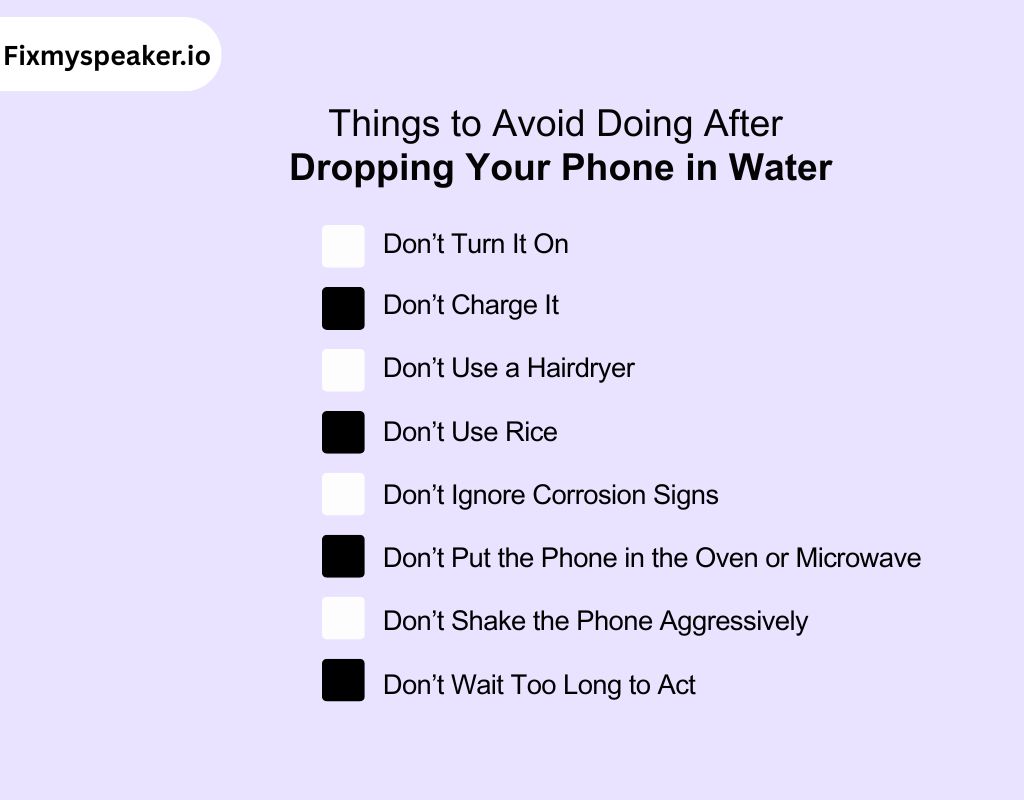
When your phone meets water, acting carefully can make all the difference. Here’s what not to do remove water from speaker sound:
1. Don’t Turn It On
Avoid powering up your phone right after it gets wet. It can cause a short circuit, worsening the damage to the internal components.
2. Don’t Charge It
Don’t plug your phone into the charger while it’s wet. Moisture in the charging port can lead to electrical shorts and potential battery damage. Wait until the phone is fully dry before charging.
3. Don’t Use a Hairdryer
Using a hairdryer or direct heat source can warp or melt delicate internal parts. Excessive heat can also damage components like the screen or battery, so stick to air drying or proper drying methods.
4. Don’t Use Rice
Despite the common myth, rice won’t effectively dry your phone. It doesn’t reach internal components and can leave dust or debris behind. The best option is silica gel or letting your phone air dry.
5. Don’t Ignore Corrosion Signs
If you spot visible corrosion or rust around your phone’s ports or components, it’s a sign that water has reached critical parts. Don’t wait too long to address this, as it could cause further damage.
6. Don’t Put the Phone in the Oven or Microwave
Using an oven or microwave to dry your phone is extremely risky. The high, uneven heat can permanently damage components like the battery or screen. Always opt for air-drying in a safe, cool place.
7. Don’t Shake the Phone Aggressively
While shaking the phone gently can help dislodge some water, don’t shake it too forcefully. This could push water deeper into sensitive areas, such as the internal circuit board or camera.
8. Don’t Wait Too Long to Act
The quicker you act, the better your chances of saving the device. If water has been inside for too long, corrosion and internal damage could become irreversible, reducing the possibility of a successful recovery.
Professional Tips to Prevent Future Water Damage
Preventing water damage is far better than dealing with the aftermath. Here are expert tips to safeguard your phone from water exposure:
Invest in a high-quality waterproof case to protect your device from water exposure. Look for cases with a high IP rating (IP68 or higher).
Keep your phone away from sinks, pools, or any other places where water exposure is common. Be mindful of humidity levels, especially when showering or in the rain.
A good screen protector can offer an additional layer of protection, particularly for the phone’s ports. Some screen protectors also cover the speaker area, reducing the risk of water entry.
Avoid carrying your phone in your back pocket, as it’s more likely to be exposed to moisture from sweat, rain, or accidental drops into water.
Many phones today come with an IP rating for water resistance. If you’re in an environment where water exposure is frequent, consider switching to a device with a high water-resistance rating, like IP68 or higher.
Dirt and moisture can accumulate in charging ports, speakers, and headphone jacks. Clean these areas regularly with a soft brush or compressed air to prevent water from lingering in hard-to-reach areas.
Never charge your phone in high-humidity areas like bathrooms or near pools. Excess moisture can seep into the charging port, leading to corrosion or electrical shorts.
In Closing
Remove water from your speaker is crucial to restoring sound clarity and preventing long-term damage. With advanced sound wave technology, you can effectively address water exposure without risking further harm to your device.
By acting quickly and using the right techniques, you can enjoy clear audio once again and prolong the life of your device.
Whether it’s using vibration modes or sound frequencies, these methods offer simple, efficient solutions to keep your speaker functioning optimally.
Frequently Asked Questions
How can I get water out my speaker?
To remove water from your speaker, use sound frequency or vibration tools like Fix My Speaker. These technologies vibrate the water out without damaging the internal components. For best results, repeat the process until the sound clears.
What sound removes water?
Specific low-frequency sound waves, typically ranging from 20 Hz to 20 kHz, are used to create vibrations that dislodge water trapped inside a speaker. These vibrations effectively push moisture out without harming the speaker.
Do water removal sounds work?
Yes, water removal sounds work by using sound frequencies to create vibrations that break the surface tension of water, causing it to dislodge from the speaker components. This method is safe and efficient when done correctly.
Can water ruin a speaker?
Yes, water can damage a speaker by causing internal corrosion, rusting parts, or short-circuiting the electrical components. Prolonged exposure can lead to irreversible damage and decreased sound quality.
What is the water eject feature?
The water eject feature is a tool that uses sound frequencies or vibrations to expel water from your speaker. It helps remove moisture, restoring clear audio without the need for disassembling the device.
How to remove water from a Bluetooth speaker?
To remove water from a Bluetooth speaker, you can use specialized apps or tools that emit sound frequencies or vibrations. Place the speaker with the speaker grill facing down and let the tool run to expel trapped water.
What happens if a Bluetooth speaker gets wet?
If a Bluetooth speaker gets wet, the water can cause muffled sound, corrosion, and internal damage over time. If not removed promptly, it may lead to permanent damage, affecting the speaker’s performance and lifespan.
What to do if you drop a speaker in water?
Immediately turn off the speaker, dry it with a cloth, and place it in a dry area. Use sound frequency or vibration tools to remove the water and wait until it’s fully dry before using it again.
How to clean a sound speaker?
To clean a sound speaker, gently wipe the exterior with a microfiber cloth to remove dust and debris. For deeper cleaning, use compressed air or a soft brush for the speaker grills, avoiding any contact with moisture.
Can sound remove water from speaker?
Yes, sound can remove water from a speaker. By using specific sound frequencies, vibrations are generated that help dislodge water droplets trapped in the speaker’s diaphragm or mesh. This method is effective and safe, as it doesn’t damage internal components.