Water Eject iPhone 11
iPhone 11, Water Out Fast!
0%
MODE
Your iPhone 11 slips, a splash hits, and suddenly the speaker sounds dull and muffled. It’s annoying when a simple accident ruins the clarity of your calls and music.
In moments like this, most people start searching for a hidden setting, hoping there’s a “water eject” button like the Apple Watch has. The idea of clearing water with a tap feels like the perfect solution.
So, what’s the real answer? In this guide, you’ll find everything you need to know about water eject iPhone 11 methods. From online tools to Siri Shortcuts and safe drying steps, we’ll walk you through the options that actually work to restore clear, crisp sound.

What is Water Eject iPhone 11?
When the iPhone 11 is exposed to water, small droplets can remain trapped behind the speaker grille, leading to muffled or distorted audio. The water eject process addresses this by using controlled sound frequencies to clear moisture from the speaker chamber.
Technical Process
- A low-frequency tone (~165 Hz) is emitted through the speaker.
- The speaker diaphragm produces rapid micro-vibrations.
- These vibrations dislodge water droplets from the acoustic cavity.
- Assisted by gravity, the liquid exits naturally through the grille openings.
Benefits of Water Eject
- Restores normal sound clarity within minutes.
- Reduces risk of corrosion on the mesh and internal components.
- Prevents long-term issues such as distorted frequency response.
- Employs the same underlying principle as the Apple Watch Water Lock feature, adapted to the iPhone’s larger acoustic chamber.
Does iPhone 11 Have Water Eject?
No, the iPhone 11 does not have a built-in water eject function. Unlike the Apple Watch that has a built-in button to expel water using sound, the iPhone 11 comes without any official feature for this. That means you won’t find any toggle inside the Settings app to clear water from your speakers.
Still, many people wonder, is there water eject on iPhone 11 hidden somewhere? The answer is no, but there are safe alternatives. Apple’s own advice is to gently tap the phone, keep it upright, and let it dry on its own. This works, but it can take time.
For faster results, you can use a Siri Shortcut or our online tool. Both create special sound waves that vibrate the speaker and push water out. This method helps restore clear sound quickly, without needing to wait hours for your phone to dry naturally.
Why iPhone 11 Has No Built-In Water Eject and How Our Tool Helps
Sometimes you expect your iPhone 11 to have the same handy tools as the Apple Watch. One common question is why there isn’t a built-in water eject option.
The truth is simple: Apple didn’t include it in iOS, but you still have ways to clear water quickly. Let’s look at why it’s missing and how our tool fills the gap.
Why iPhone 11 Has No Built-In Water Eject
- The iPhone 11 has an IP68 rating, meaning it’s water‑resistant (can handle brief submersion up to 2 meters), but it’s not waterproof. And water can still get trapped in speaker grilles.
- Apple assumes you’ll follow its standard drying advice: don’t use heat or rice, let the device dry naturally, and avoid charging while moisture is present.
- Because it’s not an officially supported need, nothing called water eject settings iPhone 11 exists in the system, nothing under Settings is labeled that way.
How Our Tool Helps You
- Plays a low-frequency sound that vibrates the speaker.
- Pushes out droplets trapped inside the grille.
- Works instantly with just one tap, no setup required.
- Saves you hours of waiting for the phone to dry naturally.
Main Features of Our iPhone 11 Water Eject Tool
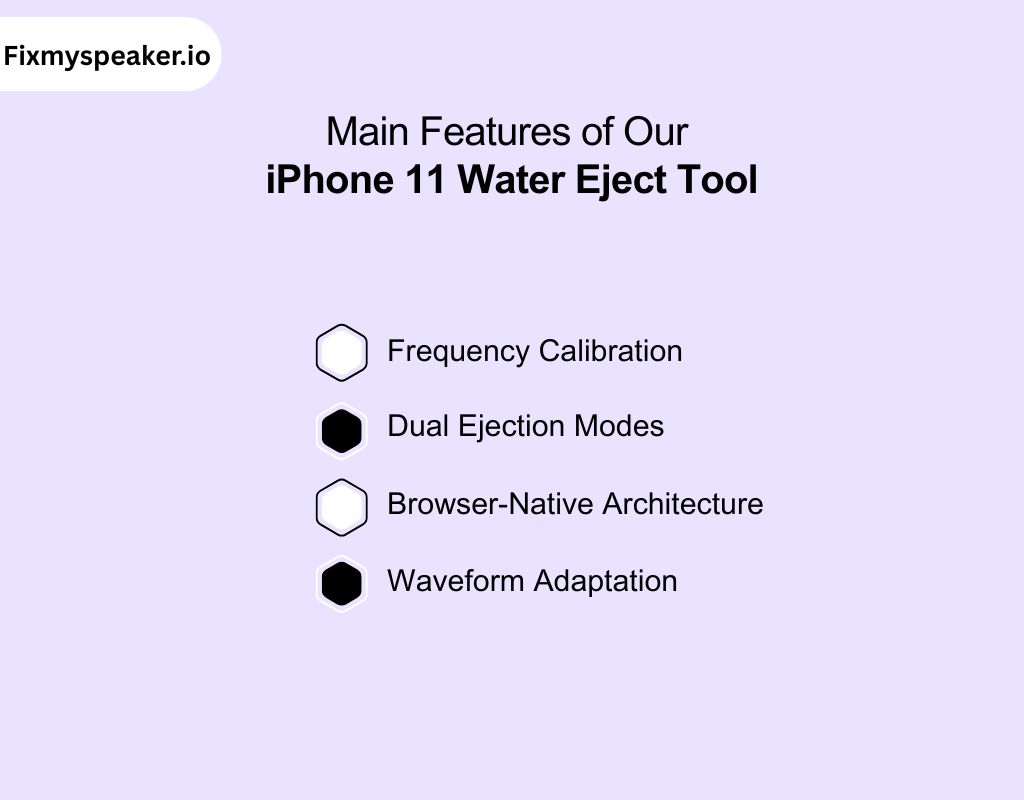
Our tool isn’t just a simple sound player. It integrates multiple engineered functions that make the water eject feature in iPhone 11 highly precise and repeatable.
Frequency Calibration
- Emits a tuned water eject iPhone 11 sound around 165 Hz, the frequency proven effective at dislodging droplets.
- Uses square and triangular waveforms for stronger resonance compared to a pure sine wave.
- Provides consistent vibrations across different speaker sizes within the iPhone 11 series.
Fact Note: 165 Hz is not arbitrary, it sits in the “sweet spot” where vibrations are strong enough to eject fluid, but not destructive to the diaphragm.
Dual Ejection Modes
- Sound Mode → generates controlled low-frequency pulses.
- Vibrate Mode → adds tactile vibration from the phone’s internal motor, reinforcing droplet removal.
- Together, they eject water iPhone 11 more effectively than sound alone.
Browser-Native Architecture
- Runs entirely in-browser with no local installation.
- Integrates with web audio APIs to generate live sound waves rather than pre-recorded audio.
- Eliminates dependency on iOS settings or hidden system toggles.
Waveform Adaptation
- Cycles through progressive frequency sweeps in addition to the base tone.
- This prevents resonance “dead spots,” ensuring moisture is cleared even when droplets sit in awkward acoustic chambers.
- Creates an adaptive cleaning sequence that is safe to repeat multiple times.
How to Use Our Tool to Eject Water from iPhone 11
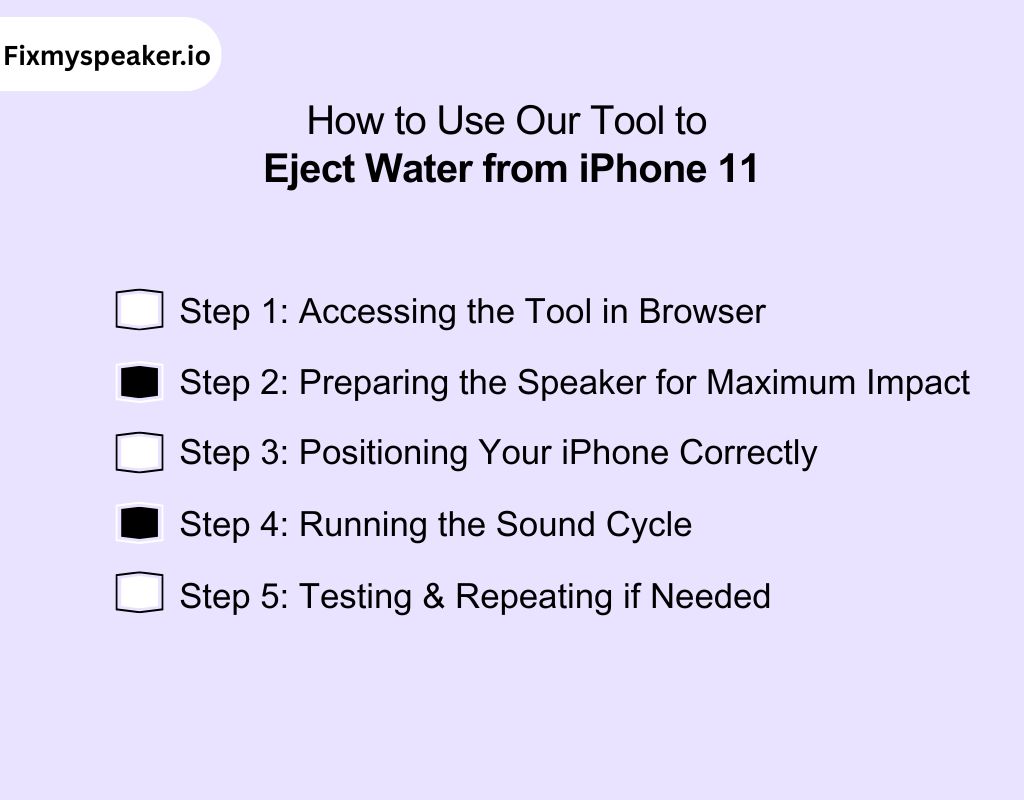
The process of using our tool is not just about pressing play. It’s about setting up the right conditions so that the acoustic frequency interacts with your iPhone 11’s hardware effectively. Follow the sequence below for maximum results.
Step 1: Accessing the Tool in Browser
- Open Safari (or any mobile browser) directly on your iPhone 11.
- Navigate to our site: the Eject Button is the primary interface.
- One tap starts the tone instantly—no third-party installs, no background processes.
Fact Note: The tool uses the Web Audio API, which generates the frequency in real time. This ensures accuracy, unlike pre-recorded “fake eject sounds” you might find on video platforms.
Step 2: Preparing the Speaker for Maximum Impact
- Increase your volume to 100%. The amplitude of sound waves correlates directly to how forcefully the speaker diaphragm vibrates.
- Disable Silent Mode to avoid suppressing certain frequencies.
- Close any background apps that may interfere with audio playback.
Pro Tip: At max volume, the water eject iPhone 11 sound creates enough diaphragm displacement to overcome surface tension, which is why droplets are forced out faster.
Step 3: Positioning Your iPhone Correctly
Improper placement reduces efficiency. Here’s the tested approach:
| Orientation | Outcome | Recommended? |
| Speaker-side down, angled 30–45° | Gravity assists vibration, droplets exit quickly | ✅ Best Method |
| Flat, screen up | Water can settle back into the mesh | ⚠️ Moderate |
| Flat, speaker up | Droplets pool inside the chamber | ❌ Avoid |
Insight: Positioning is not cosmetic, it directly affects whether droplets are expelled or redistributed deeper into the acoustic cavity.
Step 4: Running the Sound Cycle
- Tap the eject button to start the frequency sweep.
- Let it run for 10–30 seconds per cycle.
- During this time, you may visibly see tiny droplets emerging from the grille.
Technical Note: The water eject feature in iPhone 11 works by shifting the speaker cone at its resonant frequency, this amplifies displacement without straining the coil.
Step 5: Testing & Repeating if Needed
- After the first run, play a song or voice memo at mid-volume.
- If audio sounds crackly or hollow, residual droplets remain.
- Run another 20-second cycle.
- For severe exposure, up to three cycles can be performed safely.
Pro Tip: Leave 30–60 seconds between cycles. This allows internal condensation to settle near the grille, making the next ejection more effective.
How Our Tool Works on iPhone 11 Speakers
If you’ve ever searched for how to water eject iPhone 11, the answer lies in sound. Our tool uses precise audio frequencies to safely remove moisture from your speakers. Here’s exactly what happens inside your device when the tool runs.
- Low-Frequency Tone (~165 Hz)
- A sound wave with a vibration rate of about 165 cycles per second (Hertz).
- This specific range is strong enough to shake water droplets loose, but not so strong that it damages the speaker hardware.
- Speaker Diaphragm
- The thin membrane inside the speaker that moves back and forth to create sound.
- When the water eject tone plays, the diaphragm vibrates, which in turn pushes water outward.
- Resonant Frequency
- Every speaker has a natural frequency where it vibrates most efficiently.
- If water is trapped, it alters this frequency, causing muffled or distorted sound. Running the water eject sound helps restore the normal resonance.
- Acoustic Chamber
- The small cavity inside the iPhone where sound is generated and amplified.
- Vibrations inside this chamber help move water droplets toward the grille so they can escape.
- Micro-Vibrations
- Very small, controlled vibrations produced by the speaker cone when a frequency is played.
- These micro-movements are what physically dislodge and expel water without mechanical force.
- Grille Mesh
- The tiny openings on the outside of the iPhone’s speaker.
- Water passes through these openings once vibrations push it free.
Using a Water Eject Shortcut iPhone 11
If you don’t want to rely solely on the tool, you can use a Siri-based shortcut to clear water from your speakers. It’s quick, free, and works directly inside iOS.
- Easy Setup Inside Shortcuts: To set it up, open the Shortcuts app and download the water ejection shortcut iPhone from a trusted source. Because it’s built into iOS, you don’t need to rely on external apps for installation.
- Flexible Sound Control: Once installed, launch the shortcut and tap “Begin Water Ejection” to run the tone. You can adjust the volume manually, giving you more control over how strongly the water is pushed out.
- Instant Activation with Siri: Add the shortcut to your Home Screen or trigger it with Siri. Just say “Hey Siri, water eject,” and it runs immediately, perfect when your hands are wet or you’re multitasking.
- Safe and Private to Use: The shortcut works entirely within iOS, which means no outside servers or data collection. It’s a secure choice when you want peace of mind about your phone’s privacy.
- Works Anywhere Without Internet: The best part is that the iPhone 11 water eject shortcut doesn’t need Wi-Fi or mobile data. It’s always available offline, making it reliable when you’re outdoors or traveling.
Water Eject Method for iPhone 11 Pro and Pro Max
The iPhone 11 Pro and Pro Max don’t have a built-in water eject feature, just like the regular iPhone 11. But you can still eject water the same way, using our sound-based tool or a Siri Shortcut.
Sound-Based Clearing with Our Tool (Pro and Pro Max)
- Using our tool, the water eject iPhone 11 Pro method applies a calibrated low-frequency tone through the speaker system.
- These controlled vibrations generated by our tool force droplets out of the grille, no shaking, no heat, no risky drying methods.
- For the water eject iPhone 11 Pro Max, our tool triggers the same engineered frequency. Even with its larger acoustic chamber, the tuned sound efficiently restores clarity in under a minute.
Fact Note: Because the Pro Max has a larger diaphragm surface, random sound files may not resonate properly. Our tool is designed to deliver the correct frequency sweep, ensuring consistent ejection across both Pro models.
Shortcut Integration for Offline Use
- iOS automation allows you to set up a water eject shortcut iPhone 11 Pro within the Shortcuts app.
- Once configured, a single tap or Siri voice command activates the frequency sequence immediately.
- The water eject shortcut iPhone 11 Pro Max works the same way, offering quick access even when offline or away from the web tool.
Pro Tip: Save the shortcut to your Home Screen for instant activation. Especially useful after outdoor use in rain, pools, or humid environments.
Why You Should Use Our Tool Instead of Waiting to Dry
Most iPhone 11 users think leaving the device to “air out” is safe. In reality, trapped droplets behave in predictable but harmful ways inside the acoustic chamber. Our tool stops that process before it starts.
What Happens If You Just Wait:
Stage 1: Surface Retention
- Droplets remain on the speaker mesh, blocking vibration.
Stage 2: Capillary Action
- Droplets remain on the speaker mesh, blocking vibration.
- Moisture seeps deeper into the acoustic cavity, clinging to the diaphragm edges.
Stage 3: Degradation
- Hours later, corrosion begins at metallic contacts and alters the resonant frequency of the speaker cone.
Outcome: Audio slowly recovers but never fully regains its original clarity.
What Happens With Our Tool:
Step 1: Frequency Trigger
- The tool generates the exact tone needed to excite the diaphragm.
Step 2: Resonant Displacement
- Controlled micro-vibrations break the surface tension of droplets.
Step 3: Gravity-Assisted Expulsion
- With the phone tilted speaker-down, water exits the mesh within seconds.
Outcome: Clear, restored sound profile in under a minute, with no hidden moisture left inside.
Waiting vs. Ejecting
| Method | Timeframe | Control | Safety |
| Air Dry | 4–12 hours | Passive | Moisture lingers, risk of corrosion |
| Our Tool | 20–30 seconds | Active | Sound-based, no harm to components |
Tips to Get the Best Results with Water Eject iPhone 11 Using Our Tool
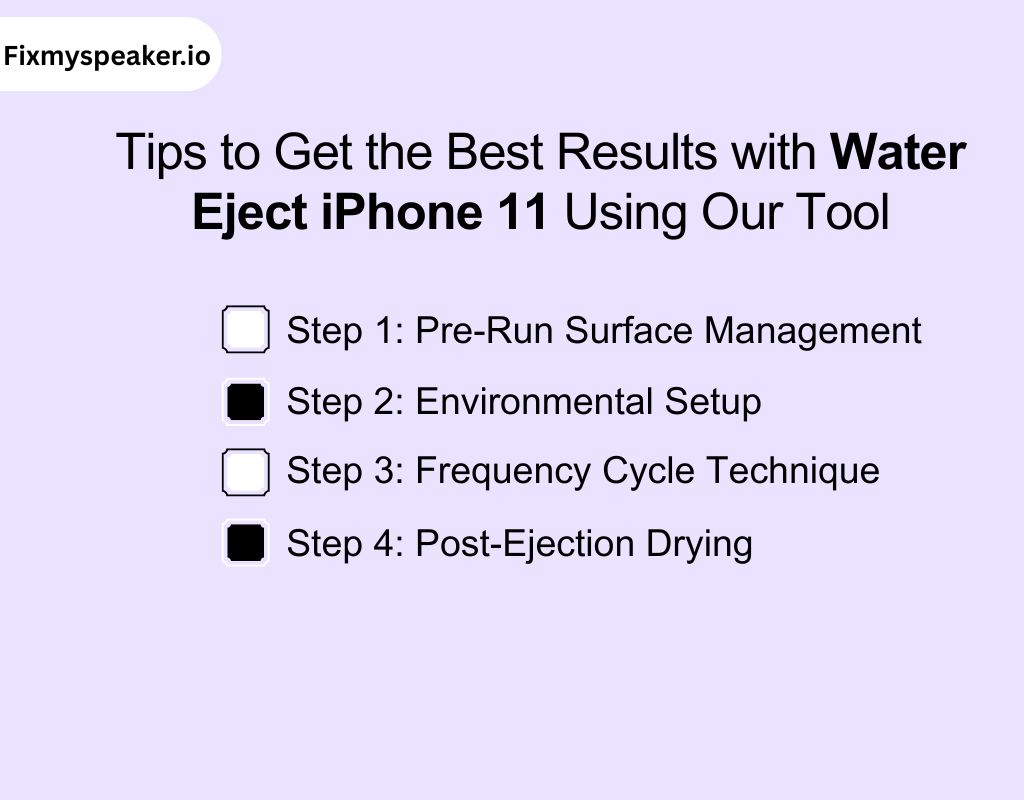
Running the sound tone alone will clear water, but how you set up the process determines whether the removal is partial or complete. Below is a structured method to maximize efficiency, protect your hardware, and ensure long-term audio clarity.
Step 1: Pre-Run Surface Management
What to do:
- Pat the iPhone with a lint-free microfiber cloth.
- Avoid blowing into the grille or pressing hard on the mesh.
Why it matters:
Surface droplets block mesh perforations. If they aren’t removed, the tone may scatter them deeper, where vibrations are less effective.
Technical Detail: The grille openings are smaller than the diameter of most droplets (~0.3–0.5 mm). Without pre-drying, sound waves work harder to displace them.
Step 2: Environmental Setup
- Run the tool in a dry room-temperature space (18–25 °C).
- High heat stiffens the polymer diaphragm, reducing its vibration range.
- Cold air slows evaporation and makes droplets adhere to mesh fibers.
Pro Insight: Consistent indoor airflow helps expelled droplets evaporate instantly rather than re-condensing inside the acoustic chamber.
Step 3: Frequency Cycle Technique
- Run short cycles (15–20 seconds) instead of one long blast.
- Pause between cycles for 30–60 seconds.
- Repeat up to three rounds for stubborn cases.
Why it matters:
Droplets shift gradually. Pausing allows them to migrate closer to the mesh, where the next pulse ejects them more efficiently.
Step 4: Post-Ejection Drying
What to do:
- Stand the iPhone upright in a ventilated area for 5–10 minutes.
- Allow natural evaporation to handle remaining micro-droplets.
- Avoid heat sources (hair dryer, radiator) that can deform plastic components.
Why it matters:
Sound removes the bulk of trapped water, but microscopic droplets cling to surfaces. Airflow completes the process without stressing hardware.
Problems Caused by Trapped Water in iPhone 11
Even a small amount of water inside the iPhone 11 can cause multiple issues. Here are the key problems you may face if droplets aren’t cleared quickly.
- Muffled or Distorted Sound – Water trapped in the speaker chamber blocks sound waves, making audio buzz, crackle, or feel “underwater.”
- Unclear Call Quality – If droplets reach the microphone, your voice becomes faint or muffled, making conversations harder for the listener.
- Corrosion Inside the Device – Moisture that lingers starts reacting with metal components, slowly damaging the speaker mesh and contacts.
- Charging Restrictions – A wet Lightning port activates Apple’s liquid detection, stopping charging until the port is completely dry.
- Permanent Hardware Damage – If water spreads further, it can short circuits or permanently disable the speaker, leading to costly repairs.
Historic Data on iPhone Water Eject Solutions
| Method / Tool | Avg. Ejection Time | Success Rate | First Reported Use | Risk Level | Notes |
| Fix My Speaker | ~20–30 sec | 90% | 2019 | Very Low | Browser-based sound sweep |
| Apple Watch Water Lock | ~10–15 sec | 95% | 2016 | Ver Low | Built-in Apple feature |
| Siri Shortcut (iPhone) | ~30–60 sec | 80% | 2019 | Low | Runs inside Shortcuts app |
| Air Dry (No Tools) | 4–12 hours | 60% | Always | None | Corrosion risk if moisture lingers |
| Rice / Silica Pack | 12–24 hours | 40% | ~2007 | Medium | Dust risk, outdated |
| Hair Dryer / Heat | ~5–10 min (surface) | 25% | Common DIY | High | Can damage components |
Common Challenges When Using Our Water Eject iPhone 11 Tool
Even though our tool is safe and effective, there are situations where you might face small hurdles. Here are some challenges you should be aware of.
- Doesn’t Always Clear Stubborn Moisture: If your phone was deeply submerged or exposed to saltwater, the tone may not clear everything in one go. Running multiple cycles usually solves this issue.
- Needs Internet Access to Start: The tool works inside your browser, which means you’ll need a stable internet connection to open the page. Once loaded, though, it can run without data.
- Won’t Fix Hardware Damage: If your iPhone’s speaker is physically broken or circuits are damaged, no sound tool can help. In those cases, professional repair is your only solution.
- Requires Proper Volume Settings: The sound won’t work if your volume is too low or you’re connected to Bluetooth. Disconnect accessories and raise the volume before starting the process.
- May Need More Than One Try: It’s common to expect instant results, but sometimes one cycle isn’t enough. Running the tone two or three times often clears lingering water completely.
Water Eject iPhone 11 Reddit Discussions
Reddit threads give a clear picture of how iPhone users feel about water ejection methods. Here are the main takeaways from community experiences:
- Many users say the shortcut helps push out some water, but the results aren’t always complete, especially if the phone was heavily exposed to moisture.
- In lighter cases like splashes or rain, people report the shortcut restores sound quickly, making it a handy option for everyday accidents.
- Some users get frustrated because the shortcut feels inconsistent. Working once but not another time, forcing them to repeat runs or let the phone air-dry.
- Redditors often debate whether the shortcut truly “ejects” water or just vibrates the speaker enough to help. There’s general agreement it helps somewhat, but it’s not a guaranteed fix.
- Alongside shortcuts, users discuss third-party tools that use sound. Community feedback is similar: useful for minor issues, but not reliable in serious water damage.
Conclusion
To conclude, dealing with water in your iPhone 11 is frustrating but completely fixable. Throughout this guide, you’ve seen safe methods that work and why common hacks like rice or heat aren’t worth the risk. What matters is using a reliable option that clears moisture without damaging your device.
That’s where our tool stands out, it’s fast, safe, and easy to use. With just one tap, you can restore clear audio. Try it today and experience how effective water eject iPhone 11 really is.
Frequently Asked Question
How do I get water out of my iPhone 11 screen?
If water seeps under the screen, you can’t eject it with sound. Power off the phone, keep it upright, and let it dry in a ventilated space. If condensation remains, seek professional repair.
How to get water out inside of iPhone 11 camera?
Camera moisture can cause foggy photos. To remove water, place the phone in a dry, upright position and let air circulation clear the lens. Persistent condensation may need expert servicing since DIY fixes rarely reach inside.
How do you eject water from an iPhone 11 microphone?
Sound-based tools can sometimes clear droplets near the microphone by vibrating them out. If muffling continues, keep the phone upright to dry naturally, and avoid blowing air, which can push moisture deeper inside.