Fix My Speaker Volume
Turn It Up, Fix My Volume!
0%
MODE
Suddenly feeling your speaker volume is less than what you wanted. That could be a sign of moisture or debris in your speaker. Now, screaming to fix my speaker volume wouldn’t do anything. But we have easy solution to this problem.
These problems can stem from minor software glitches, manual handling wear, or internal component misalignment. All these make your device less responsive over time.
Fortunately, modern solutions, like online speaker cleaners, offer precise, frequency-based methods to restore sound clarity. It targets performance without invasive repairs.
In this post, we’ll explore the challenges of low or distorted speaker volume and how smart tools help tackle them efficiently.

What Causes Low Speaker Volume in Smartphones?
Low speaker volume in smartphones is a common issue. Several factors can cause this, and some are easily fixable, while others might require professional help.
Here’s what you need to know:
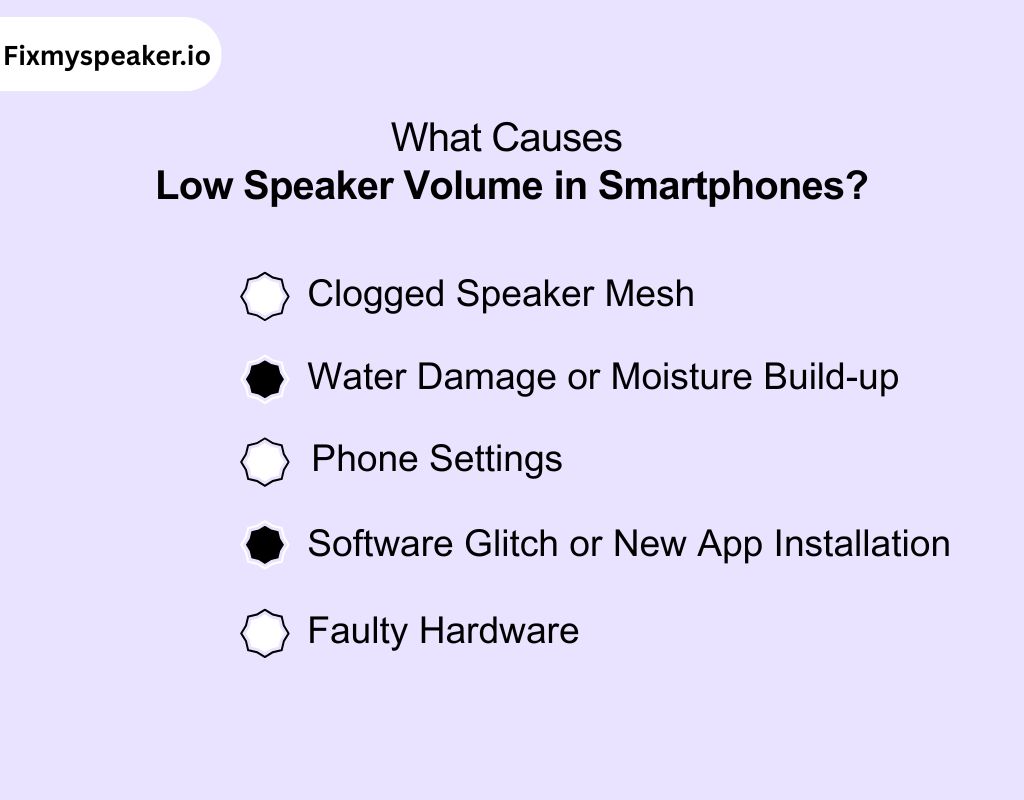
1. Clogged Speaker Mesh
Over time, dust, dirt, and oils can accumulate in the speaker mesh, blocking sound waves. This results in a muffled, low-volume output. The mesh covering the speaker is porous, allowing dirt to settle and affect the sound clarity.
2. Water Damage or Moisture Build-up
Moisture can seep into the speaker, especially after exposure to rain or spills. This can cause distortion, low volume, or muffled sounds. The moisture can affect the diaphragm or other internal components of the speaker.
3. Phone Settings
Incorrect sound settings can sometimes be the culprit. If you’ve accidentally altered the media volume, ring volume, or call volume in the settings, it can lead to unexpectedly low audio output.
4. Software Glitch or New App Installation
After installing a new app, a software glitch can affect your phone’s audio performance. Some apps may automatically adjust settings that result in reduced volume output.
5. Faulty Hardware
If there is an issue with the flex cable or internal speaker components, this can directly affect sound output. A damaged flex cable can cause intermittent volume issues or complete speaker failure.
Can I Fix The Audio Quality With Call Speaker Cleaner?
Yes, using a speaker cleaner can significantly improve your phone’s audio quality.
If your speaker sounds muffled or distorted, it could be due to dust, debris, or moisture blocking the diaphragm. A speaker cleaner helps by targeting these obstructions with precise sound frequencies.
This removes particles from the speaker’s internal components and allows the diaphragm to move more freely.
As a result, you can easily experience clearer bass and treble, improving overall sound clarity.
While it won’t fix hardware damage, using a speaker cleaner is an effective way to restore audio performance when debris or water buildup is the issue. Keep your speaker clean to maintain crisp, high-quality sound.
Technical Overview of Speaker Cleaner to Improve Volume Quality?
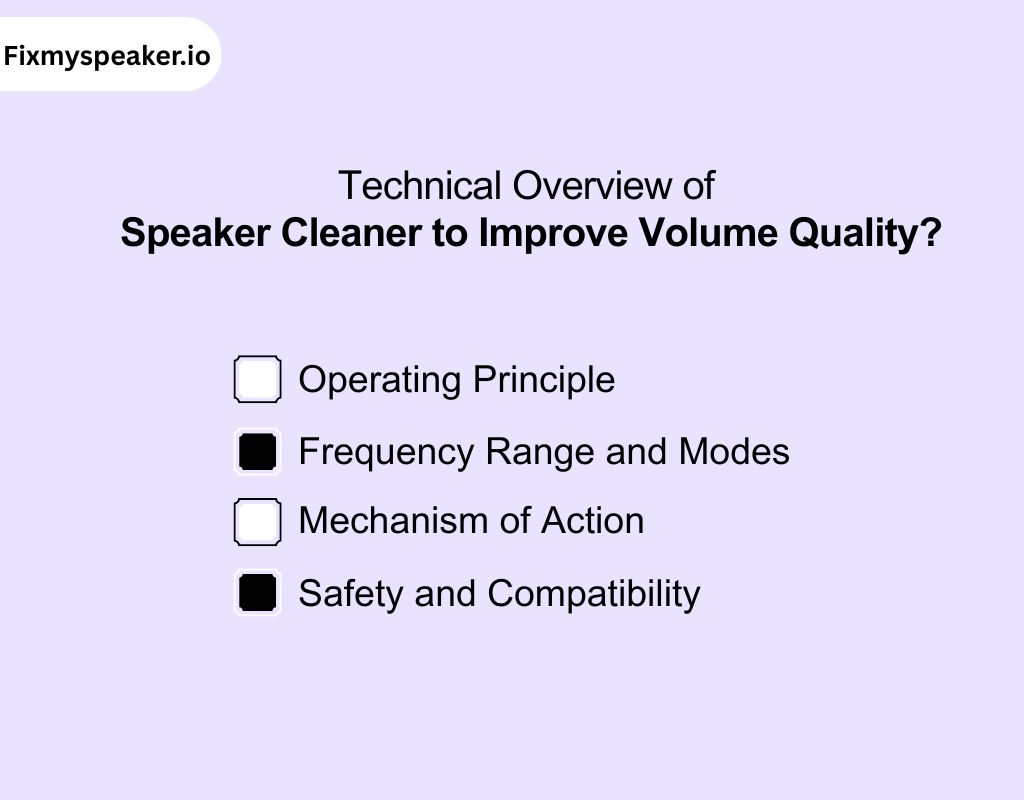
i) Operating Principle
The core principle of a speaker cleaner is to emit specific sound frequencies through the device’s speaker. These frequencies create vibrations that dislodge particles and moisture from the speaker components.
By targeting specific areas within the speaker, it restores diaphragm movement and sound clarity. This process is safe for the speaker and ensures that the internal components are not physically damaged.
ii) Frequency Range and Modes
Different speaker cleaner apps offer varying frequency ranges and modes:
- Frequency Range: Some platforms generate tones from 0 Hz to ultrasonic frequencies up to 25 kHz.
- Modes: Features include manual and automatic cleaning modes, stereo speaker tests, and noise level measurements
iii) Mechanism of Action
The emitting calibrated sound waves produce vibrations. These vibrations impact the diaphragm. It helps move and shake loose any trapped debris or moisture.
The cleaner creates pressure fluctuations that help remove particles from the speaker mesh and other internal components. The precise frequency range ensures that the cleaning process is both effective and safe for delicate components.
iv) Safety and Compatibility
The speaker cleaners are designed to be safe for use on smartphones and other portable devices. The frequencies are carefully calibrated to avoid overloading or damaging internal components.
These tools are also generally compatible with a wide range of devices, including iPhones, Android phones, and Bluetooth speakers.
Impact of High-Frequency Sound Waves in Phone Speaker
High-frequency sound waves are typically above 2 kHz and can go all the way up to the ultrasonic range (above 20 kHz).
These frequencies are often used in speaker cleaning tools to dislodge moisture, dust, and debris from the speaker’s components.
Positive Effects of High-Frequency Sound Waves
- Water Removal: High-frequency sound waves can help vibrate water droplets out of the speaker. It is especially when exposed to moisture from rain or spills.
- Improved Clarity: They can clear fine debris that might be blocking the sound pathway, thus restoring audio clarity and bass/treble balance.
- Non-Invasive Cleaning: High frequencies are typically non-invasive and can clean without physically touching the speaker components. It offers the safety of delicate parts like the diaphragm or voice coil.
Note: However, extended exposure to high-frequency sound waves, especially at high volumes, could cause damage to the speaker’s components.
The diaphragm and voice coil could become overstressed, leading to distortion or even permanent damage.
What is the Best Speaker Cleaner Online To Fix my Speaker Volume?
With so many speaker cleaner tools available, you might feel overwhelmed choosing the best one.
Now that you’re looking for a reliable solution for how to repair speaker volume control, Fix My Speaker is a top choice for improving sound quality.
It is a premium tool that effectively clears dust, debris, and moisture from your device’s speaker. It operates within a frequency range of 20 Hz to 20 kHz, targeting both low and high frequencies to ensure thorough cleaning.
This tool offers multiple modes, such as sound mode and vibration mode, to restore bass clarity and treble sharpness.
It’s compatible with smartphones, tablets, and Bluetooth speakers. You can ensure a non-invasive, easy-to-use solution for restoring your audio.
How to Fix My Speaker Volume Using Fix My Speaker?
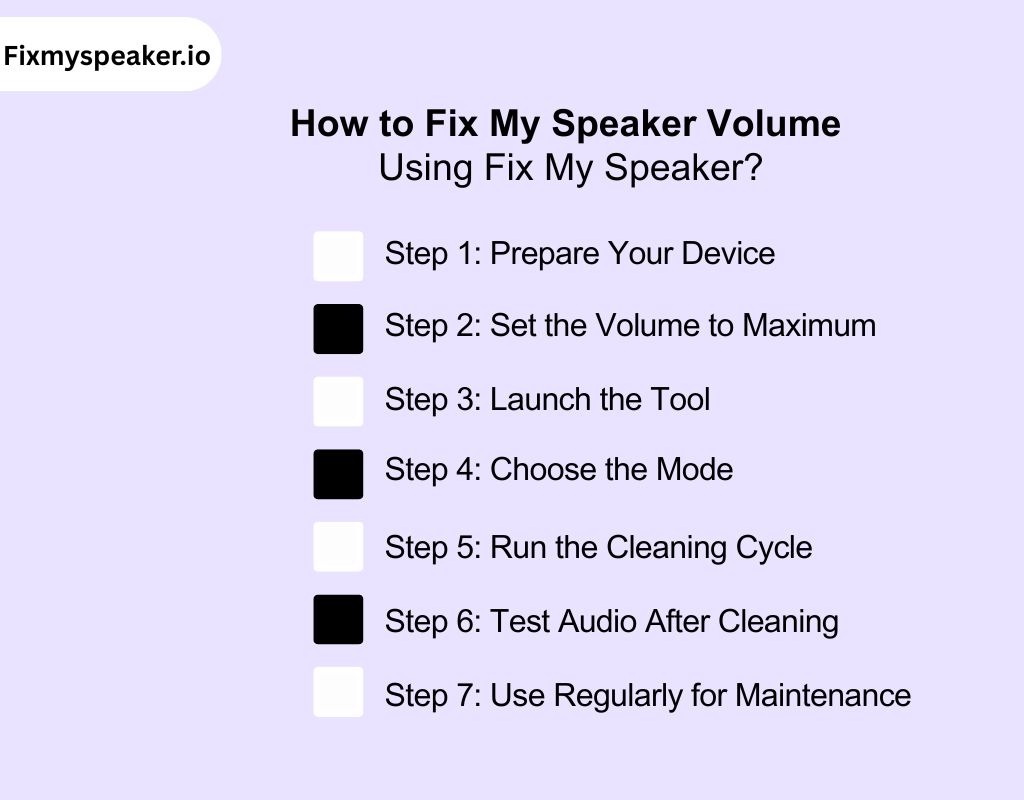
Our tool offers a simple and effective way to restore your phone’s audio performance.
Follow these steps to safely improve your speaker volume:
Step 1: Prepare Your Device
Before you start, make sure your phone is free from any cases or covers that could block the speaker. Power off your device to ensure safety during the process.
Step 2: Set the Volume to Maximum
Ensure your device’s volume is set to the highest level. This allows the cleaning tool to work at full capacity and effectively clear any moisture or debris obstructing the speaker.
Step 3: Launch the Tool
Open the tool from your browser. There’s no need to install anything. Simply start the tool and choose your preferred cleaning mode (sound mode or vibration mode).
Step 4: Choose the Mode
Select sound mode for removing fine dust or vibration mode for expelling trapped moisture. These modes will apply targeted frequencies that help dislodge particles and restore clarity to your speaker.
Step 5: Run the Cleaning Cycle
Let the tool run its cleaning cycle. The frequencies will vibrate the speaker’s diaphragm, pushing out moisture, dust, and debris.
Avoid touching your phone during the process to let the tool work efficiently.
Step 6: Test Audio After Cleaning
Once the cleaning cycle completes, test your audio by playing a music track or making a call. Check if the volume has improved. If necessary, repeat the cleaning process for optimal results.
Step 7: Use Regularly for Maintenance
For best results, use our tool regularly to prevent the build-up of dust and moisture. This helps maintain optimal speaker performance and clear, crisp sound.
Types of Speaker Volumes Issues Our Speaker Cleaner Can Resolve
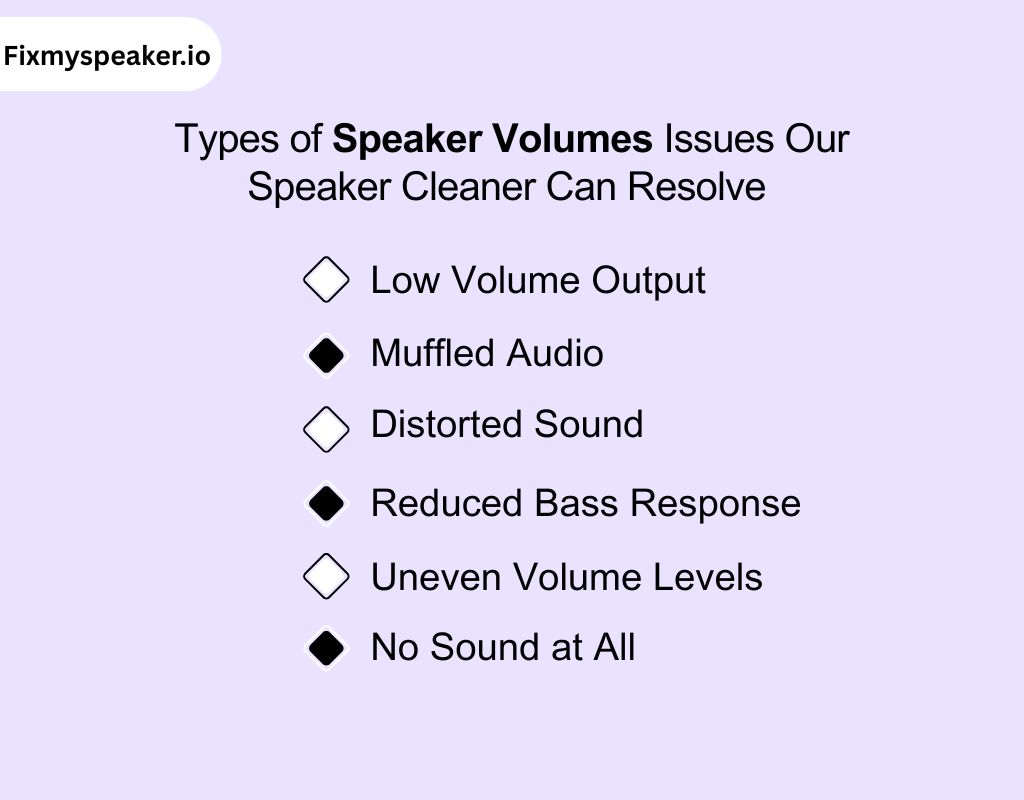
If you’re struggling with how to fix my speaker volume Android or iPhone, our tool can tackle several common issues.
Here’s a look at the most frequent speaker volume problems:
1. Low Volume Output
Ever cranked up your phone’s volume only to hear a barely audible sound? Dust and moisture inside your speaker can block sound from reaching its full potential, leaving you frustrated with weak audio output.
2. Muffled Audio
If your audio sounds muddy or unclear, it’s likely that debris or water is disrupting the diaphragm’s movement.
This makes it hard for the sound to come through as crisp and clean as it should, especially when you’re listening to music or making calls.
3. Distorted Sound
Do you notice fuzzy or distorted audio, especially at higher volumes? Obstructions like dirt or moisture can cause the speaker’s diaphragm to move unevenly.
It leads to sound that’s far from smooth and clear. It’s a real annoyance when you expect clean sound.
4. Reduced Bass Response
Have you noticed that your phone just can’t produce that deep bass anymore? Blockages or moisture buildup can cause the speaker to lose its ability to produce rich bass tones, leaving your music sounding flat or lacking depth.
5. Uneven Volume Levels
If your audio feels off balance with certain sounds being too loud or too soft, there might be something inside the speaker that’s causing the issue.
This can be especially frustrating when you’re trying to enjoy music or podcasts, but the sound quality is inconsistent.
6. No Sound at All
Sometimes, you’re left with no sound at all despite turning the volume up. If your speaker’s mesh is clogged or water has seeped inside, it can prevent any sound from coming through. It makes it feel like your phone’s speaker is completely broken.
Effectiveness and Limitations of Using Our Speaker Cleaner Online
Our tool provides a quick and effective way to address volume issues, restoring your device’s audio performance.
While it offers significant advantages, there are certain limitations to consider.
Effectiveness
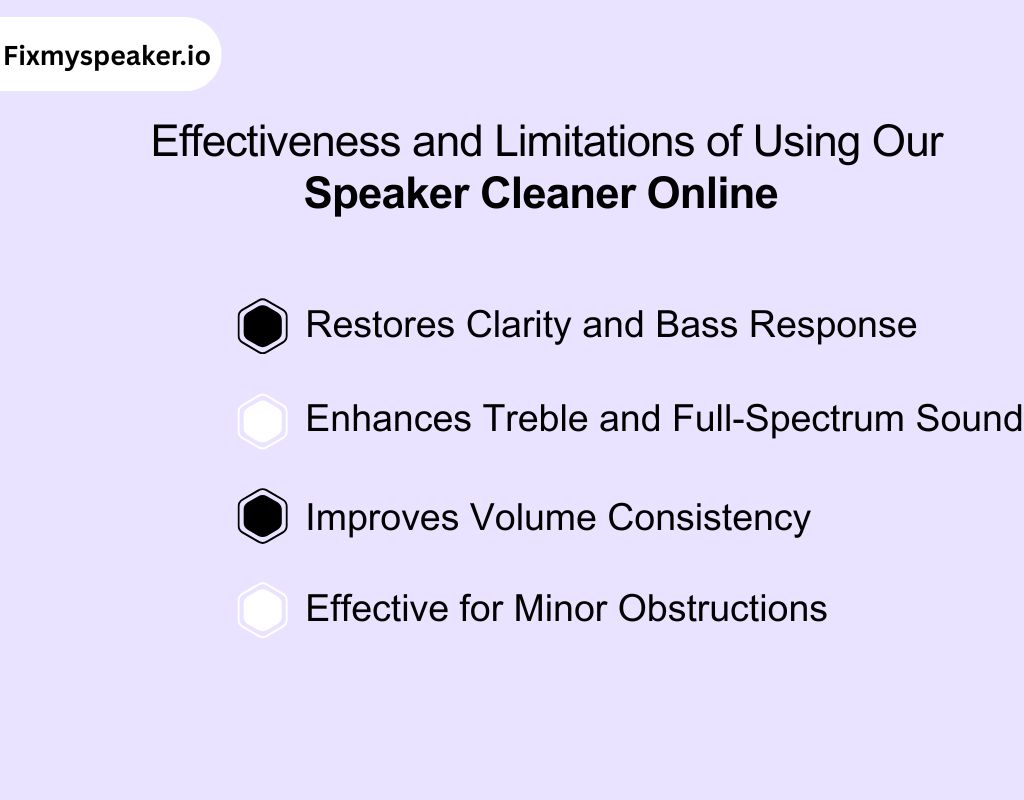
i) Restores Clarity and Bass Response
If you’re struggling with low or reduced bass, the tool can help by dislodging moisture and debris blocking the diaphragm’s movement.
This allows the speaker to produce deeper, richer bass, improving sound clarity and overall volume.
2. Enhances Treble and Full-Spectrum Sound
For muffled audio or distorted sound, the tool works by restoring the diaphragm’s proper movement.
It clears obstructions that distort high frequencies, resulting in sharper treble and better overall sound balance across all frequencies.
3. Improves Volume Consistency
If your speaker produces uneven sound, our cleaner addresses this by vibrating loose debris that may cause irregular sound output.
This restores a more consistent volume across all audio, ensuring a smooth listening experience.
4. Effective for Minor Obstructions
The tool is highly effective for cleaning light obstructions that hinder sound. It targets the frequencies needed to restore normal sound performance in smartphones.
However, it may not address more severe issues caused by physical damage or internal speaker failures.
Limitations:
i) Not for Hardware Issues:
While the tool is perfect for cleaning and improving volume when the problem is caused by debris or moisture, it’s not a solution for hardware failure.
If the speaker’s internal components are damaged, the tool cannot fix those issues, as it only addresses external obstructions.
ii) Can’t Fix Software Issues:
If the low speaker volume is caused by software glitches or incorrect settings, the tool will not resolve these problems. It’s designed for physical obstructions like moisture and debris, not software-related audio issues.
Does Our Speaker Cleaner Use Ultrasonic Technology?
No, our speaker cleaner does not use ultrasonic technology. It relies on audible sound frequencies within the 20 Hz to 20 kHz range to clean the speaker. These frequencies are carefully calibrated to dislodge moisture, dust, and debris without causing damage to internal components.
Ultrasonic technology operates at much higher frequencies, typically above 20 kHz, and is used in specialized equipment for deep cleaning.
While ultrasonic waves can be effective in industrial cleaning, our tool uses safe vibrations and frequency modulation within the audible range.
It helps restore sound clarity and improve speaker performance.
Frequency-Based Technology vs. Ultrasonic Technology for Speaker Cleaning
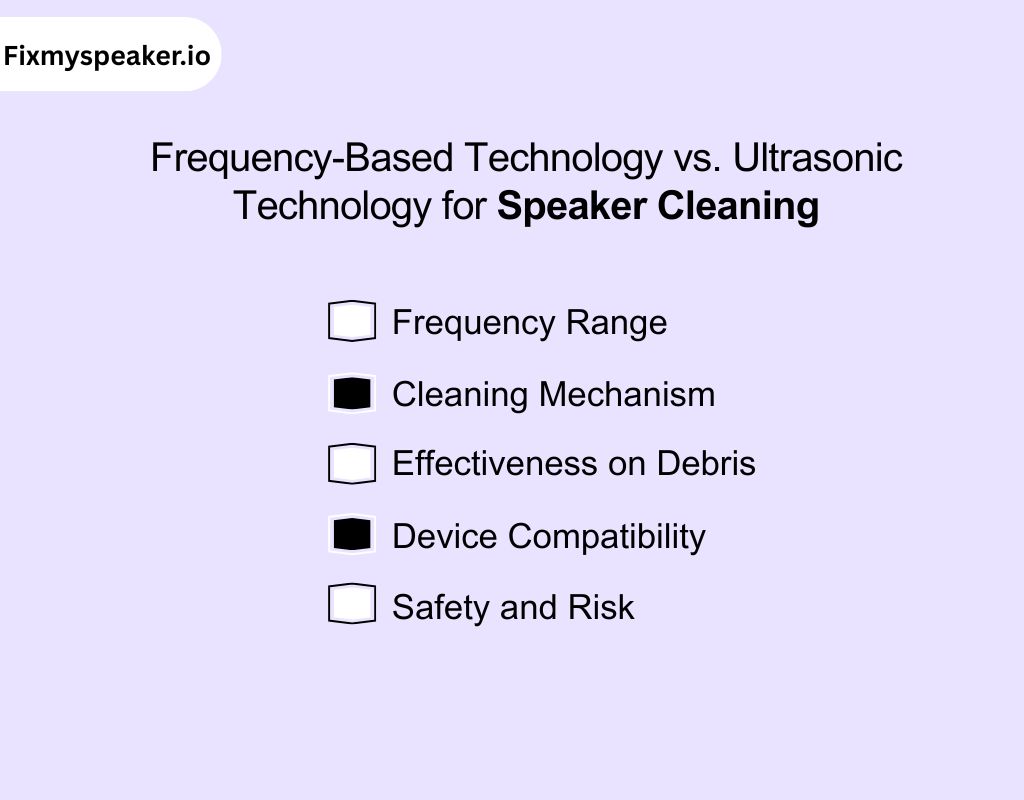
Frequency-based technology and ultrasonic technology both clean speakers, but they differ in their approach, frequency range, and effectiveness.
| Aspect | Frequency-Based Technology | Ultrasonic Technology |
| Mechanism | Audio (<20 kHz) excites diaphragm → surface vibrations. | Ultrasonic (>20 kHz) in liquid → cavitation bubbles collapse. |
| Medium | Air. | Liquid (water/solvent). |
| Energy Transfer | Low-amplitude surface oscillations. | High-pressure micro-jets from cavitation. |
| Action | Dislodges light dust/moisture. | Removes embedded/stubborn contaminants. |
| Scope | Superficial cleaning only. | Deep, penetrating cleaning. |
| System | Speaker transducer alone. | Ultrasonic generator + liquid bath. |
i) Frequency Range
Frequency-based technology uses audible sound frequencies (20 Hz to 20 kHz). It targets debris and moisture without damaging speaker components.
Ultrasonic technology, however, operates above 20 kHz, using high-frequency waves to create cavitation bubbles. It cleans surfaces in more specialized environments.
ii) Cleaning Mechanism
Frequency-based technology relies on vibrations to dislodge particles and moisture. It uses safe, moderate sound waves that vibrate debris loose.
In contrast, ultrasonic technology creates cavitation bubbles in a liquid medium, which can exert more force and clean deeply.
iii) Effectiveness on Debris
Frequency-based technology is effective for light cleaning, removing surface-level debris and water.
Ultrasonic technology can clean hard-to-reach areas and is often used for deeper cleaning in industrial settings.
iv) Device Compatibility
Frequency-based technology is ideal for smartphones and portable devices since it uses the built-in speaker.
Ultrasonic technology requires specialized equipment and is commonly used for cleaning industrial or precision components.
v) Safety and Risk
Frequency-based technology is generally safer for everyday use, as it is calibrated to avoid overloading the speaker.
Ultrasonic technology, if improperly applied, can cause damage to delicate speaker components due to its high-intensity waves.
Comparative Analysis of Popular Speaker Cleaner Apps
There are numerous speaker cleaner apps available on the market, each offering unique features and functionality. It’s important to compare these platforms to find the right one for your needs.
Below is a comparative table that highlights key details of our speaker cleaner tool along with other popular alternatives.
| Speaker Cleaner Tool | Frequency Range | Modes Available | Additional Features |
| Fix My Speaker | 20 Hz to 20 kHz | Sound Mode, Vibration Mode | Water ejection, dust removal |
| CleanMyPhone | 50 Hz to 18 kHz | Auto Clean, Manual Clean | Dust removal, Noise cancellation |
| Speaker Cleaner Pro | 30 Hz to 20 kHz | Vibrate, Sweep | Deep cleaning, restore volume |
| SoundFixer | 25 Hz to 19 kHz | High/Low Frequency | Removes moisture, boosts clarity |
| AudioClean | 20 Hz to 18 kHz | Frequency Sweep, Vibration | Clears debris, enhances bass |
| Phone Speaker Cleaner | 20 Hz to 20 kHz | Standard, High-Power | Improves sound clarity, removes water |
Can I Fix My Speaker Volume on My Phone Manually?
Yes, you can clean your phone’s speaker manually. If you’re dealing with volume issues caused by obstructions, there are a few effective methods to restore sound clarity.
- Using Compressed Air: For debris or dust, using compressed air is a great method. It gently blows air into the speaker mesh. It dislodges particles that may be affecting sound flow. Ensure the nozzle is held at a safe distance to avoid damaging the speaker components.
- Soft Bristle Brush: A soft bristle brush, like a toothbrush, can be used to carefully scrub the speaker grille.
This helps remove loose dust or dirt without pressing particles deeper into the speaker. Be gentle to avoid damaging any delicate parts.
- Cleaning with Isopropyl Alcohol: For stubborn debris, dampening a cloth with isopropyl alcohol (90% or higher) can help clean the speaker mesh. The alcohol evaporates quickly, ensuring no moisture lingers to affect the internal components.
How To Fix My Speaker Volume With No Sound?
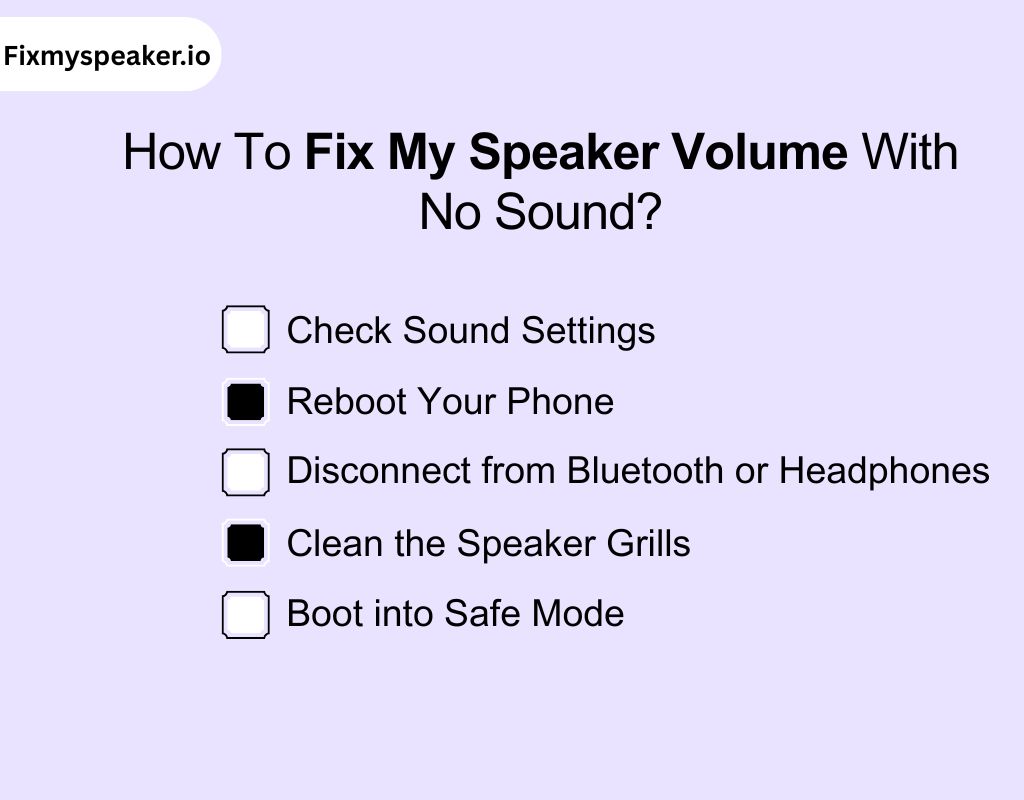
If you’re not hearing any sound and want to know how to fix low volume speaker, follow these troubleshooting steps e:
1. Check Sound Settings
Ensure the volume is not muted or set too low. Double-check that your phone is not in silent mode or Do Not Disturb mode. Adjust the media volume and call volume to their maximum settings to test the output.
2. Reboot Your Phone
A simple reboot can resolve many minor software glitches that may be affecting the speaker. Restart your phone and check if the audio functions properly after the device reloads.
3. Disconnect from Bluetooth or Headphones
Make sure your phone isn’t connected to any Bluetooth devices or headphones. Sometimes, the phone may think an external device is connected, and it won’t play sound through the built-in speaker.
4. Clean the Speaker Grills
Debris or dust inside the speaker can block sound. Use a soft brush or compressed air to carefully clean the speaker grills. This simple step can improve sound clarity and volume.
5. Boot into Safe Mode
If you suspect a third-party app is causing the issue, boot your phone into Safe Mode. In Safe Mode, all third-party apps are disabled. If the speaker works in this mode, an app might be the culprit. Uninstall recently added apps to resolve the issue.
Frequency-Based Cleaning vs. Traditional Methods: Which Provides the Best Results?
When it comes to cleaning your phone speaker, both frequency-based cleaning and traditional methods offer different advantages. W
hile frequency-based cleaning targets specific issues like moisture and debris, traditional methods like brushing or compressed air focus on more direct physical cleaning.
Let’s break down the key differences to determine which is best for your needs.
| Aspect | Frequency-Based Cleaning | Traditional Methods |
| Effectiveness on Debris | Uses targeted sound frequencies to dislodge dust, debris, and moisture. It is effective for clearing fine particles inside the speaker. | Compressed air or brushes remove surface debris but may miss deep obstructions inside the speaker. |
| Ease of Use | Requires no physical contact; you just need to launch the tool and let it run. Easy and safe for all users. | Involves physical effort, such as brushing or using compressed air, which may require more precision. |
| Safety | Safe for all devices when used properly. It only uses audible sound waves, which do not harm the speaker components. | Can be risky if not done carefully. Too much air pressure or heavy brushing can damage the speaker mesh or diaphragm. |
| Time Efficiency | Fast and requires minimal effort. Cleans while you do other tasks, making it convenient for regular maintenance. | Can be time-consuming, especially if you need to repeat the process or clean thoroughly. |
| Long-Term Results | Provides a consistent clean over time with minimal risk of damaging delicate components, ideal for regular maintenance. | May provide immediate results, but repeated physical cleaning can increase the risk of wear and tear on the speaker. |
Precautionary Measures While Fixing Phone Speaker Volume
Before you start troubleshooting or cleaning your phone speaker, taking the right precautionary measures is crucial to prevent further damage. Here are key safety steps to keep in mind:
- Always turn off your phone before performing any manual adjustments, cleaning, or using a speaker cleaner app to prevent short circuits.
- Never press hard on the speaker grille; this can damage the membrane or internal drivers.
- Inspect for any loose screws or connectors that could shift while handling the phone.
- Use soft, non-metallic tools when cleaning manually or with devices, avoiding scratches or punctures.
- Keep your device away from heat or direct sunlight while working, as this can warp internal components.
- Only very small amounts of cleaning solution or water-contact methods; excessive liquid can cause corrosion or shorting.
- Use apps only at recommended frequency ranges and durations; prolonged exposure to high-volume tones can strain delicate speaker drivers.
- While using software-based cleaning, stop immediately if you notice unusual heating, distortion, or device lag.
In Closing
Low or inconsistent speaker volume can be surprisingly disruptive, affecting everything from calls to media playback. Throughout this guide, we’ve explored the common causes, from software glitches to minor physical issues.
If you want to fix my speaker volume, you’ve seen the technical insights behind frequency-based cleaning, manual care methods, and precautions to protect your device.
Knowing these factors helps you see why speakers lose performance and how modern methods keep your phone’s sound clear and reliable
Frequently Asked Questions
1. How to fix a low volume speaker?
Check your device’s volume and media settings first. Ensure no apps or Bluetooth devices are interfering. Inspect the speaker for dust or debris that may be blocking sound.
2. How do I fix my call speaker volume?
Raise the volume slider in settings and media apps. Disable silent or Do Not Disturb modes. Ensure your phone isn’t stuck in headphone mode.
3. How to clean an Android phone speaker?
Use a soft brush or compressed air to gently remove debris. You can also play specific sound frequencies with a speaker cleaner app. Avoid water or sharp tools.
4. How to clean phone microphone?
Gently brush the microphone opening or use compressed air to remove dust. Avoid pushing dirt further inside. Keep cleaning light and careful.
5. Why is my Android volume suddenly low?
Software updates or third-party apps may alter volume settings. Check Do Not Disturb, headphone mode, and app-specific sound settings.
6. Why is my audio sound so low?
Clogged speakers, misconfigured sound settings, or software glitches can reduce audio output. Inspect speakers and review audio settings carefully.
7. How to fix volume not working on Windows 10?
Check that your volume isn’t muted and the correct playback device is selected. Restart your PC, update audio drivers, or use the Windows troubleshooter to resolve issues quickly.
8. How do I fix my speaker volume iPhone?
If you’re wondering how to fix my speaker volume on my iPhone, first make sure the volume is up and the Silent switch is off. You can also try our online speaker cleaner tool to safely boost your iPhone’s sound clarity.
9. How to adjust speaker volume?
To adjust your speaker volume, use the volume buttons on your device or access the sound settings. You can also fine-tune levels in apps or system controls for precise audio balance.