Fix My Phone Speaker
Phone Speaker, Perfect Sound!
0%
MODE
Nothing’s worse than hitting play and hearing nothing but muffled or weak sound from your phone speaker. Suddenly, calls aren’t clear, songs lose their depth, and even alerts seem distant.
The best part? You don’t need downloads or technical skills to solve it. With a single tap, our tool uses sound waves to clear water and dust instantly, helping you get crisp audio back in seconds.
So if you’re asking how to fix my phone speaker, this article gives you clear steps, useful features, and real solutions to restore sharp, clear audio.

What is Fix My Speaker for Fixing Phone Speaker Problems?
Phone speakers rely on a vibrating diaphragm to push air and create sound waves. When dust, water, or lint blocks the mesh grille, airflow gets restricted, that’s why audio sounds muffled or crackly.
Our browser-based speaker cleaner solves this with precisely tuned tones of various frequencies (around 150-300 Hz). These tones make the diaphragm vibrate harder than normal playback, creating air pressure that forces out droplets and debris lodged inside the grille.
- No app required – works directly in your browser.
- Physics, not gimmicks – uses air pressure and resonance.
- Cross-platform – designed for both iPhone and Android.
Instead of waiting hours for moisture to evaporate naturally, this tool clears blockages instantly. This is perfect after accidental splashes, rainy commutes, or pocket lint buildup.
Features of Our Tool to Fix Phone Speaker
Clearer audio is only a tap away. Our speaker cleaning tool quickly removes water and dust from phone speakers, restoring sound quality without complicated steps. Here are the features our tool offers:
- Browser-native design: You don’t have to waste time downloading random apps. Our tool runs directly inside your browser, powered by the same audio APIs that control your music playback. That means it’s lightweight, secure, and always ready when you need it.
- Engineered low-frequency tones: Regular songs won’t clear a wet speaker, but targeted sine waves will. The tool generates carefully tuned frequencies between 150–300 Hz, the sweet spot for pushing enough air through your speaker grille to force out trapped droplets or dust.
- Dynamic sweep mode: Instead of a single note, the cleaner cycles through a range of tones. You’ll notice subtle variations in pitch, and that’s on purpose, sweeping ensures that both fine particles and larger debris are vibrated loose.
- Cross-platform calibration: Whether you’re asking how to fix my phone speaker iPhone after a splash, the tool adapts instantly. For a quick fix my phone speaker Android solution after dust, it works seamlessly across Safari, Chrome, and other browsers.
- Safe amplitude scaling: Pushing your speaker too hard can cause distortion or coil stress. That’s why the tool uses your phone’s gain control to regulate loudness. You get maximum diaphragm vibration without risking hardware damage.
How to Fix Phone Speaker Using Our Tool
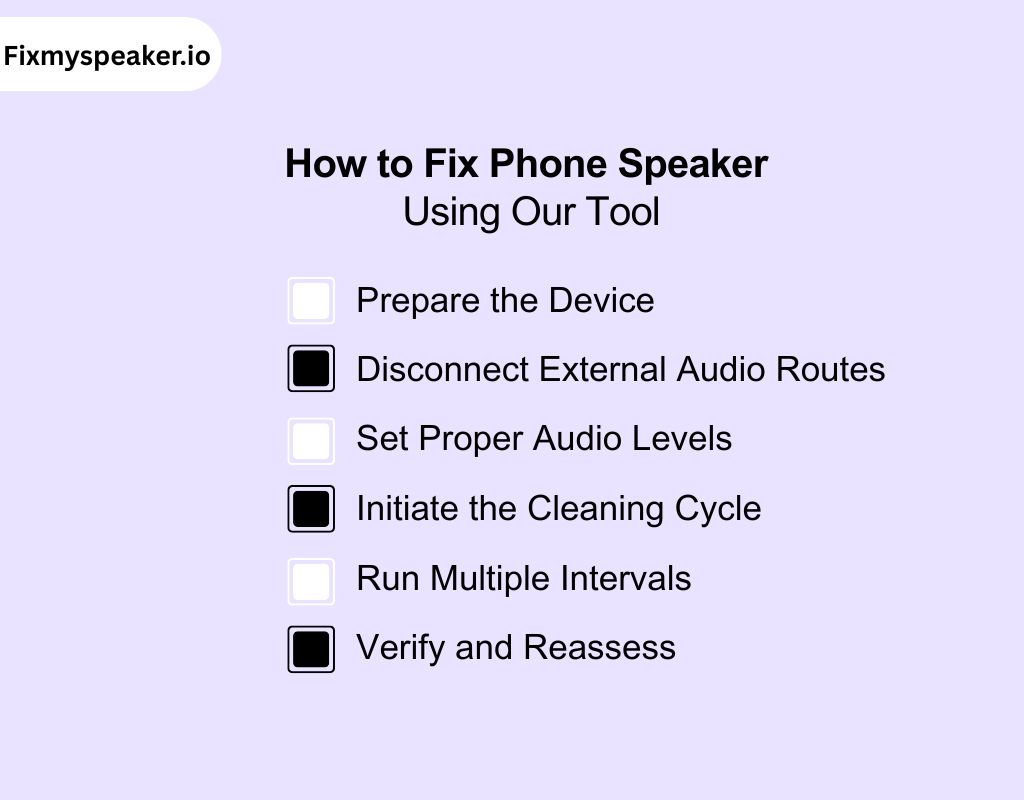
When a speaker becomes muffled or distorted, the issue often lies in blocked airflow through the grille. Our tool restores clarity by generating controlled sound frequencies that physically expel dust and liquid. To use it effectively, follow these steps:
1. Prepare the Device
- Surface Drying: Pat the phone with a lint-free microfiber cloth to remove moisture on the exterior.
- Remove Obstructions: Detach any case or cover that may restrict airflow around the grille.
- Correct Positioning: Place the phone with the speaker facing downward so gravity assists in draining liquid once vibrations begin.
2. Disconnect External Audio Routes
- Unplug wired headphones or auxiliary cables.
- Disable Bluetooth devices or casting connections.
- Confirm that the output is set to the internal speaker.
Many users asking how can I fix my phone speaker overlook this step, which prevents the cleaning frequency from reaching the hardware.
3. Set Proper Audio Levels
- Increase the speaker volume to maximum amplitude.
- This maximizes diaphragm excursion, the back-and-forth movement of the thin membrane that produces sound.
4. Initiate the Cleaning Cycle
- Tap play to activate the cleaning tone.
These tones are optimized for:
- Breaking surface tension on water droplets.
- Vibrating fine dust particles until they detach from the grille.
5. Run Multiple Intervals
- Execute short cycles (20–30 seconds) instead of one prolonged session.
- Allow a pause between runs to avoid unnecessary stress on the voice coil.
- For heavy liquid exposure, repeat two or three times before testing audio quality.
This interval-based method provides safer, more consistent results for those searching how do I fix my phone speaker after accidental water damage.
6. Verify and Reassess
✔ Test playback using ringtones, music, or voice recordings.
✔ Evaluate whether clarity, bass response, and loudness are restored.
✔ If sound remains muffled, repeat the cycle or gently brush the grille with a soft antistatic tool to remove any loosened residue.
How Does Our Tool Work to Restore Your Phone Speaker?
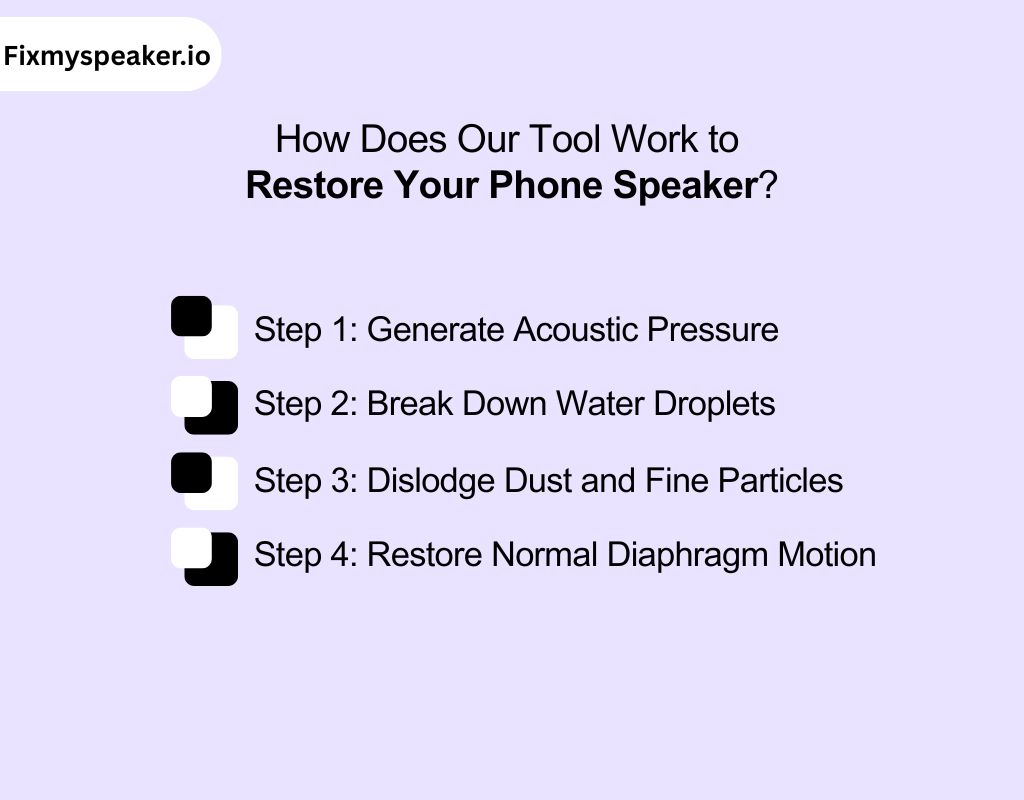
Now that you know how to use our tool, let’s look at the working procedure. Instead of relying on software tricks, it applies acoustic physics to expel water and dust through a step-by-step process.
Step 1: Generate Acoustic Pressure
- The cycle begins by producing low-frequency sound waves.
- These tones cause the speaker diaphragm to move back and forth with greater amplitude than normal audio playback.
- Each movement creates short bursts of airflow pressure that push against blockages at the grille.
Step 2: Break Down Water Droplets
- Water clings to the mesh due to surface tension.
- Vibrations split larger droplets into micro-beads, which are easier to eject.
- Continuous airflow then carries these smaller beads outward, restoring an open sound path.
Step 3: Dislodge Dust and Fine Particles
- Dust, lint, or sand often embeds inside the protective mesh filter.
- The sweeping tones cause resonance, shaking particles until they detach.
- Unlike compressed air or sharp tools, this method avoids damaging delicate internal components.
Step 4: Restore Normal Diaphragm Motion
- Once debris is cleared, the diaphragm can oscillate freely again.
- This returns laminar airflow through the chamber, eliminating muffled or distorted sound.
Best Practices for Using Our Tool Safely
To use the tool safely, you should follow a few best practices. These steps protect your phone and ensure the cleaning sound works as intended.
- Disconnect accessories first: Before starting, unplug headphones, disconnect any bluetooth device, and check the phone screen for audio outputs. This guarantees the cleaning sound plays only through your phone’s speaker for maximum effect.
- Set volume correctly: Use the volume button to increase output to maximum. The stronger the vibration, the better the tool removes moisture and debris. Low volume won’t generate enough airflow to clear blockages.
- Keep speaker facing down: On an iPhone or android phone, keep the speaker grille pointing downwards. Gravity helps the tool expel trapped moisture more effectively, reducing the need for extra troubleshooting or repeated cycles.
- Run short cycles: Avoid overstraining hardware by running shorter cleaning cycles and retesting sound quality. Multiple small runs restore audio more safely than one long session that stresses the speaker diaphragm
- Avoid close contact: Don’t hold the speaker close to your ear while the tool runs. The cleaning frequency is loud, and maintaining distance protects both your hearing and the device’s functionality.
- Test after each run: Play music or a ringtone to test sound quality after the cycle. If issues remain, repeat the process. Persistent sound problems may need deeper diagnostic or professional repair.
Why Use Our Tool Instead of Repair Shops?
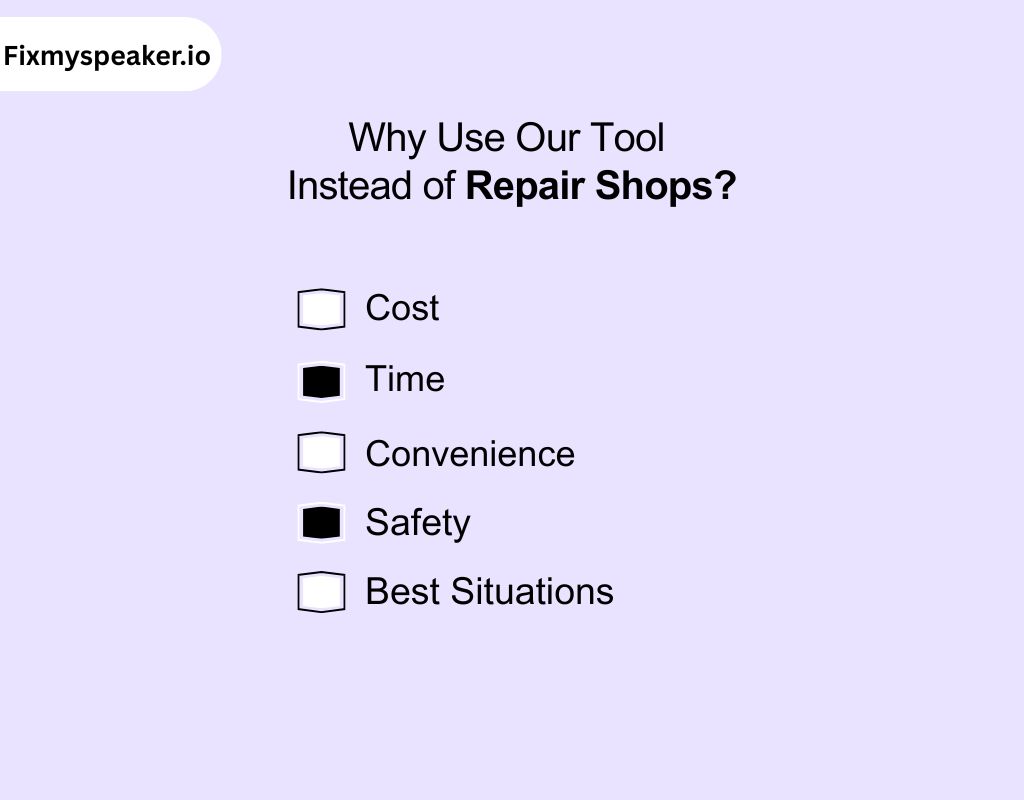
You want a fast fix that doesn’t cost a fortune. Compare how using our tool stacks up, both in effectiveness and convenience, against traditional speaker repair services.
Cost
- Our Tool: Free to use anytime in your browser, saving you from high phone speaker repair cost for simple issues caused by dust or water.
- Repair Shop: Charges vary depending on location, parts, and labor. Even minor cleanings can add up, and costs rise quickly if replacement is required.
Time
- Our Tool: Works instantly. You press play, and in seconds the cleaning sound starts clearing the blockage. Perfect if you need to restore sound during a busy day.
- Repair Shop: Requires booking, travel, and waiting. Depending on workload, it may take hours or even days before your speaker is checked and fixed.
Convenience
- Our Tool: Runs directly on your phone, no installs or cables. Whether you’re at home, work, or traveling, you can use it with just one tap.
- Repair Shop: Only available during business hours. You’ll need to find a reputable technician, possibly wait in line, and leave your phone behind if work takes longer.
Safety
- Our Tool: Uses controlled sound waves, not harsh cleaners or poking tools. It’s safe for both iPhone and Android speakers when used as instructed.
- Repair Shop: Trained staff can safely open and service hardware. But risks remain with disassembly, especially if the technician isn’t skilled or uses lower-quality replacement parts.
Best Situations
- Our Tool: Ideal when you want to fix mobile speaker issues caused by water splashes, dust, or muffled audio. Quick relief without leaving home.
- Repair Shop: Necessary if your phone has physical damage, corrosion, or a speaker that stopped working completely. These cases need diagnostic tools and professional repair service.
Why Fixing a Phone Speaker Quickly Matters
Every minute moisture or dust lingers inside your phone, it sets off a chain reaction that weakens sound quality and threatens the hardware. Quick action prevents small issues from escalating.
Immediate Risks If You Delay:
Corrosion spreads fast
Once moisture reaches internal circuits, copper traces begin oxidizing within hours. What starts as muffled audio can quickly turn into permanent damage.
Charging becomes unsafe
A wet connector can short the charging pins. iPhones often show a “Liquid Detected” alert, but ignoring it risks damaging both the port and battery.
Sound quality collapses
Droplets and dust block airflow through the grille, making calls muffled and bass weak. Without clearing the path, the diaphragm can’t produce full sound.
Warranties won’t save you
Water damage is rarely covered, even on “water-resistant” devices. Delays usually mean paying out of pocket for repairs or replacements.
What You Save by Acting Quickly:
| Factor | Fast Action | Slow Action |
| Repair Cost | $0 (tool clears water/dust) | $80–$200 for speaker replacement |
| Downtime | Minutes (DIY fix) | Days (repair shop turnaround) |
| Data Safety | No risk to storage | Corrosion can spread to motherboard |
| Battery Health | Charging stays normal | Risk of damaged connector or battery short |
| Device Lifespan | Preserved | Declines faster due to residue + damage |
Our Tool vs Other Speaker Fixing Tools
Many people try a fix my phone speaker app when the sound gets muffled. But apps aren’t always reliable, here’s why our browser-based tool is a safer and stronger choice.
| Feature | Our Tool | Other Speaker Fixing Tools |
| Platform Access | Runs directly in your browser, no installs, no updates, and no permissions required. | Requires app downloads, frequent updates, and access to phone storage and microphone. |
| Sound Precision | Uses carefully tuned frequencies tested for water and dust removal without harming hardware. | Many apps use generic sound bursts with no proof of effectiveness. |
| Device Support | Works seamlessly on both iPhone and Android, regardless of model. | Limited support; some apps focus only on specific devices or OS versions. |
| Transparency | Simple one-click interface, no hidden features, no distractions. | Some apps bury cleaning behind ads, pop-ups, or premium locks. |
| Reliability | Always accessible, even if your phone has low storage or app restrictions. | Fails if the app is outdated, unsupported, or removed from the store. |
Challenges You May Face While Using the Tool
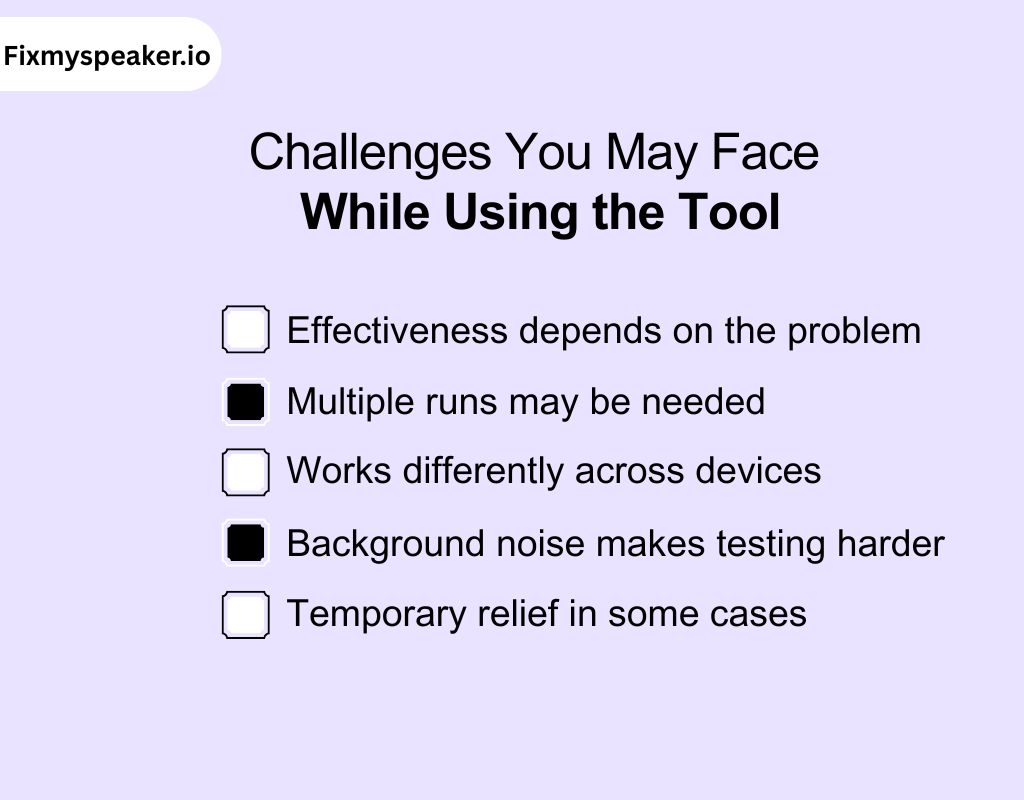
While our tool is simple and effective, a few challenges can come up. Knowing these ahead helps you use it better and get the clearest results.
Effectiveness depends on the problem
The tool works best for clearing dust or light moisture. If your phone has serious water damage or hardware faults, results may be limited. In such cases, deeper issues might still require professional attention to restore full sound quality.
Multiple runs may be needed
One cleaning cycle doesn’t always solve the issue. Depending on how much dust or water is inside, you might need two or three runs before the speaker sounds clearer. Patience improves the results.
Works differently across devices
Not every iPhone or Android phone responds in the same way. Speaker size, position, and grille design can affect how fast the tool clears blockages. Results can vary, but improvements are still common.
Background noise makes testing harder
After running the tool, you’ll want to test sound quality. In a noisy environment, it’s harder to notice subtle changes. Testing in a quiet space gives you a clearer idea of improvements.
Temporary relief in some cases
If moisture is still inside other parts of the phone, sound issues can return. The tool clears the speaker path, but full drying may take longer. Repeating the process helps maintain clarity.
Myths About Fixing Phone Speakers
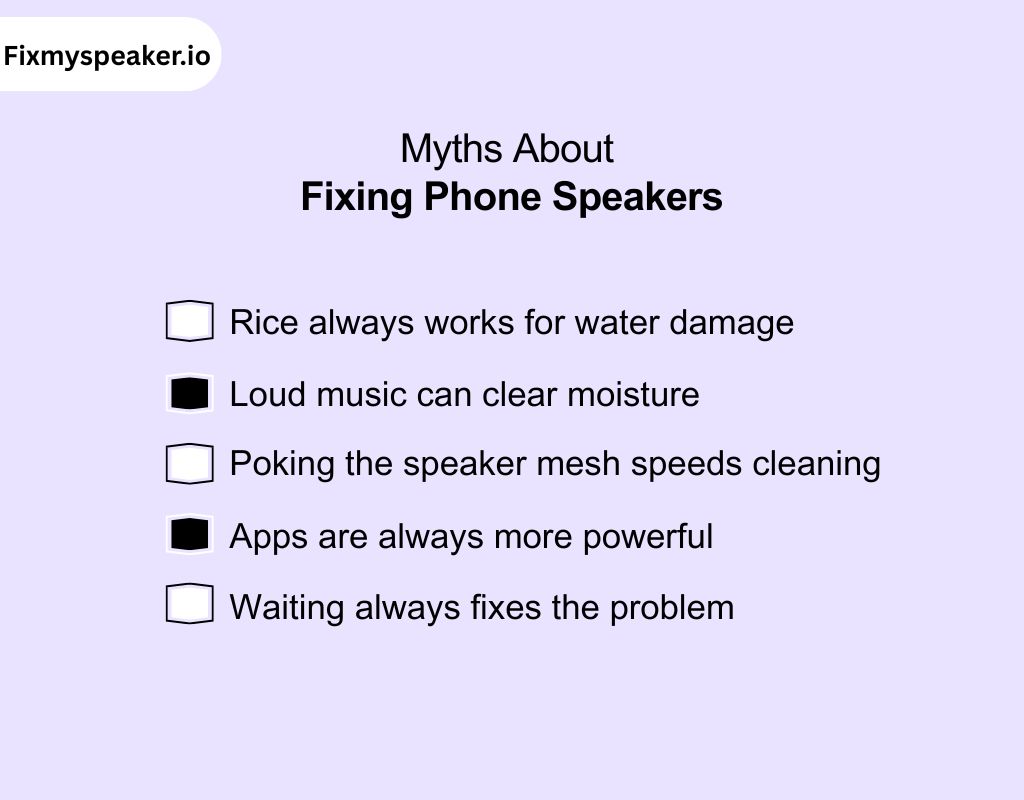
You’ll find plenty of advice online about fixing phone speakers, but not all of it is true. Let’s clear up common myths so you don’t risk damaging your device.
Myth 1: Rice always works for water damage
Many believe putting a wet phone in rice is the best solution. In reality, it rarely helps. Learning how to fix my phone speaker after water damage with proper tools is far safer.
Myth 2: Loud music can clear moisture
Blasting music at maximum volume doesn’t dry your speaker. It may even distort sound further. Controlled cleaning tones are designed for clearing water safely without stressing your speaker hardware.
Myth 3: Poking the speaker mesh speeds cleaning
Using pins, cotton swabs, or sharp objects only risks tearing the delicate mesh. The speaker works best when cleared gently with sound and air, not by physical poking or scratching.
Myth 4: Apps are always more powerful
A random cleaning app doesn’t guarantee results. Many rely on generic tones or hide features behind paywalls. Browser-based cleaning tools work instantly, without storage issues or permission concerns.
Myth 5: Waiting always fixes the problem
Simply leaving your phone to dry naturally isn’t always enough. Dust or lingering moisture can stay trapped. Running cleaning cycles gives faster results and prevents long-term audio issues from developing.
Real-Life Use Cases of Our Tool
Everyday situations can leave your speaker muffled or distorted. Our tool gives you quick relief in common scenarios where dust, water, or debris block your phone’s audio.
- After a shower splash: If your phone caught a bit of steam or water in the bathroom, the tool helps push moisture out of the speaker grille. This quickly restores clear sound before it settles deeper.
- Caught in the rain: Light rain often leaves water trapped in speaker openings. Running the cleaner right away stops muffling, keeping your calls and notifications sharp without waiting for natural drying.
- Beach or poolside use: Sand, dust, and splashes often cause muffled speakers outdoors. The tool dislodges tiny particles and droplets quickly, letting you enjoy music or calls without distortion after a fun day.
- Dust from bags or pockets: Carrying your phone in jeans or bags builds up lint and dust. The cleaner shakes particles loose, so you don’t have to poke the mesh or risk damaging it.
- Daily voice calls: Sometimes voices sound faint even without obvious water damage. Running a quick cleaning cycle clears out hidden buildup, helping you hear people more clearly during important daily calls.
Conclusion
Wrapping up, keeping your phone’s sound clear doesn’t have to be stressful or costly. With a quick tap, you can push out dust or moisture safely and restore strong, clean audio. Unlike risky hacks or expensive repairs, this method is simple, reliable, and works on both iPhone and Android.
So if you are still thinking, how to fix my phone speaker, the answer is right here. Run the tool now and bring back the clear sound your phone was made to deliver.
Frequently Asked Question
How do I fix my phone’s audio?
To fix your phone’s audio check your volume settings, disconnect headphones or Bluetooth, and restart your phone. If sound is still off, try a cleaning tool to clear dust or water from the speakers.
How do I remove safe mode?
To remove safe mode hold the power button and restart your phone normally. If safe mode returns, check recently installed apps. Removing the one causing issues usually stops the phone from restarting in safe mode.
Why is my speaker crackling?
Crackling usually means dust, water, or damaged hardware. Start by running a speaker cleaning tool and testing with different audio files. If the noise stays, your speaker may need professional repair.
How to test phone speaker?
To test phone speakers play a ringtone or music at different volumes. Also, make a short call to check the earpiece speaker. If sound seems muffled, a cleaning tool can quickly improve clarity.
Why is my phone so quiet?
Low sound often comes from blocked speaker grills, software glitches, or low volume settings. Clean the speaker with a safe tool, check sound settings, and restart your device for improvement.
How to fix speaker not working?
To fix a speaker that is not working, first, check volume and settings. Restart the phone, disconnect Bluetooth, and test different audio. If the speaker remains silent, try a cleaning tool. Persistent silence may need professional service.
How can I reset my audio?
To reset audio, go to your phone’s settings and reset sound preferences to default. Restart the device after. This clears custom settings and can fix audio glitches without losing your other data.