Fix My Speaker Dust
Clear Sound, Dust-Free Speaker!
0%
MODE

Dust in your phone’s speaker is more than a small inconvenience. It directly affects sound clarity, call quality, and long-term device performance. When particles settle inside, they block vibrations, trap heat, and accelerate wear on delicate components.
Ignoring the problem can lead to muffled audio, distorted music, and even permanent hardware damage. A dusty speaker doesn’t just reduce your listening experience. It risks shortening your phone’s lifespan.
That’s why cleaning your speaker should be a priority, not an afterthought. With the right approach like Fix My Speaker Dust, you can restore crisp sound and protect your device from costly repairs.
How Dust and Debris Affect Mobile Phone Speakers Over Time
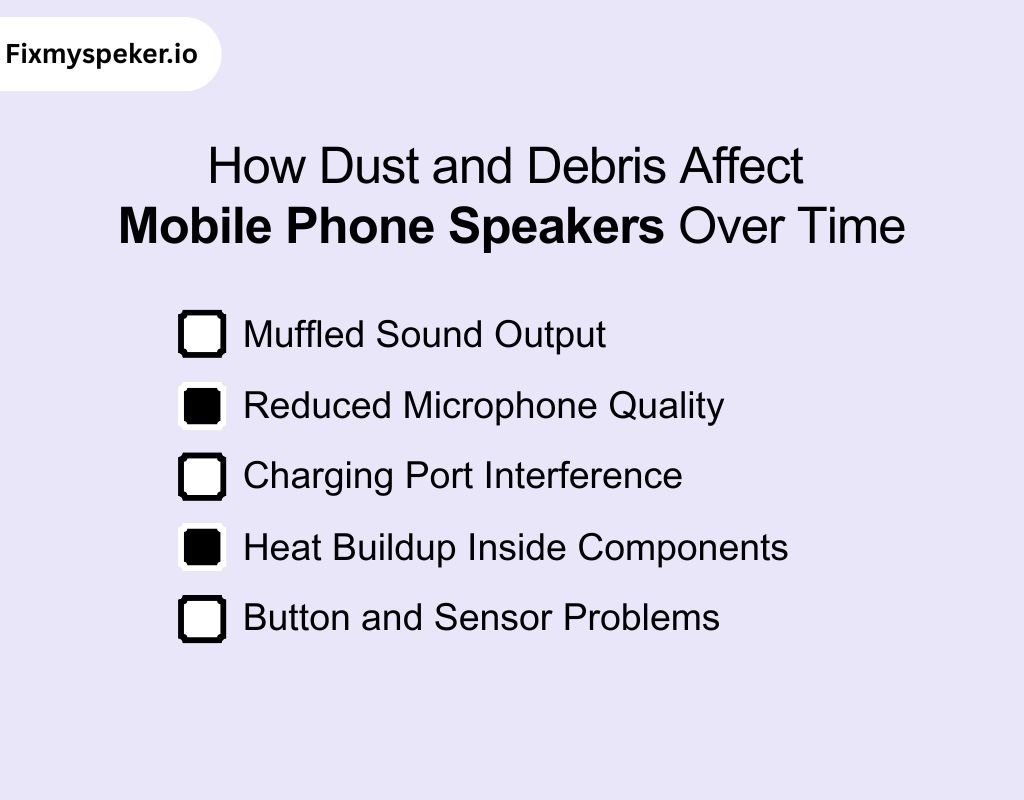
Dust may look harmless, but inside your phone, it creates long-term damage. Small particles settle in tiny spaces and weaken performance.
Over months, this buildup affects both sound quality and component life.
1. Muffled Sound Output
Dust blocks the speaker mesh and lowers sound clarity. You notice softer audio, distorted music, and unclear voices during calls. Over time, even high volume will not improve the output.
2. Reduced Microphone Quality
Particles enter the microphone opening and obstruct airflow. Your voice sounds faint or unclear during calls and recordings. Dust buildup often makes others complain that they cannot hear you properly.
3. Charging Port Interference
Lint and dust gather in the charging port and create poor connections. Your phone may charge slowly, stop charging midway, or fail to connect with accessories. This buildup often mimics hardware failure.
4. Heat Buildup Inside Components
Dust narrows small airflow gaps around speakers and circuit areas. Heat fails to escape efficiently, which strains the battery and processor. Long-term overheating shortens component life and weakens overall performance.
5. Button and Sensor Problems
Dust seeps into button edges and sensor openings. Volume or power buttons lose their click feel or stop responding. Fingerprint sensors also fail to recognize input when covered with fine particles.
What is Fix My Speaker?
Fix My Speaker is a web-based tool designed to restore phone speaker clarity using sound frequencies. It works by generating rapid audio vibrations that dislodge fine dust from the speaker mesh.
This process is non-invasive and requires no disassembly or special equipment.
The tool is especially valuable after outdoor use in dusty environments, or gradual dust buildup that reduces audio quality.
Unlike physical cleaning methods, it reduces the risk of damaging delicate components.
It operates directly from a browser, eliminating the need for downloads or installations. With consistent use, it helps maintain clear sound output, extend speaker lifespan, and avoid unnecessary repair costs.
How Does Fix My Speaker Work for Cleaning Dust?
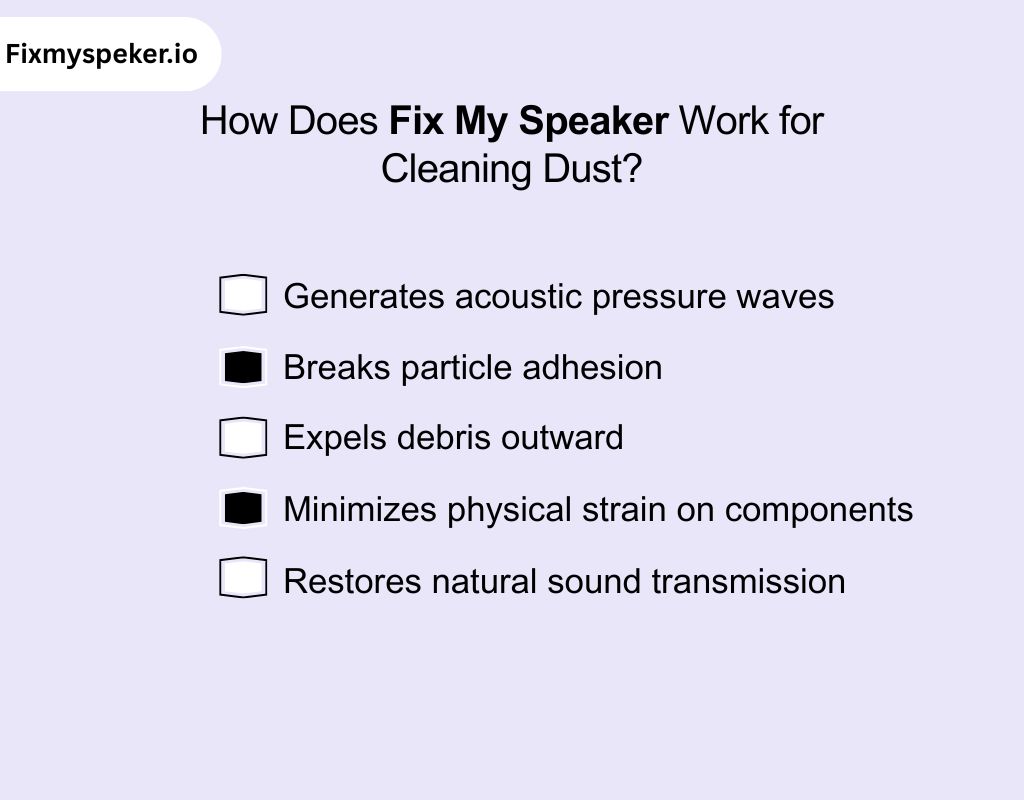
Our tool applies controlled sound frequencies that interact with particles on the speaker surface. Through acoustic vibration, it clears dust in a safe and science-driven manner.
1. Generates acoustic pressure waves
The tool plays rapid, high-frequency tones. These sound waves create tiny pressure fluctuations that transfer energy into the speaker mesh. It shakes loose fine particles lodged in openings.
2. Breaks particle adhesion
Dust often sticks due to static charge or surface tension. Vibrations disrupt these bonds and reduce the friction between dust and the mesh, so particles detach more easily.
3. Expels debris outward
Once dislodged, particles are pushed outward by the oscillating air movement. This prevents them from settling deeper inside the housing, where they can cause lasting blockages.
4. Minimizes physical strain on components
Unlike brushes or sharp tools, acoustic cleaning avoids mechanical pressure. This protects fragile membranes, mesh grills, and adhesives that can be damaged during manual cleaning.
5. Restores natural sound transmission
By clearing dust, the tool reopens blocked sound pathways. This improves resonance, restores clarity, and prevents the gradual muffling associated with long-term dust accumulation.
How to Use Fix My Speaker to Clean Phone Dust?
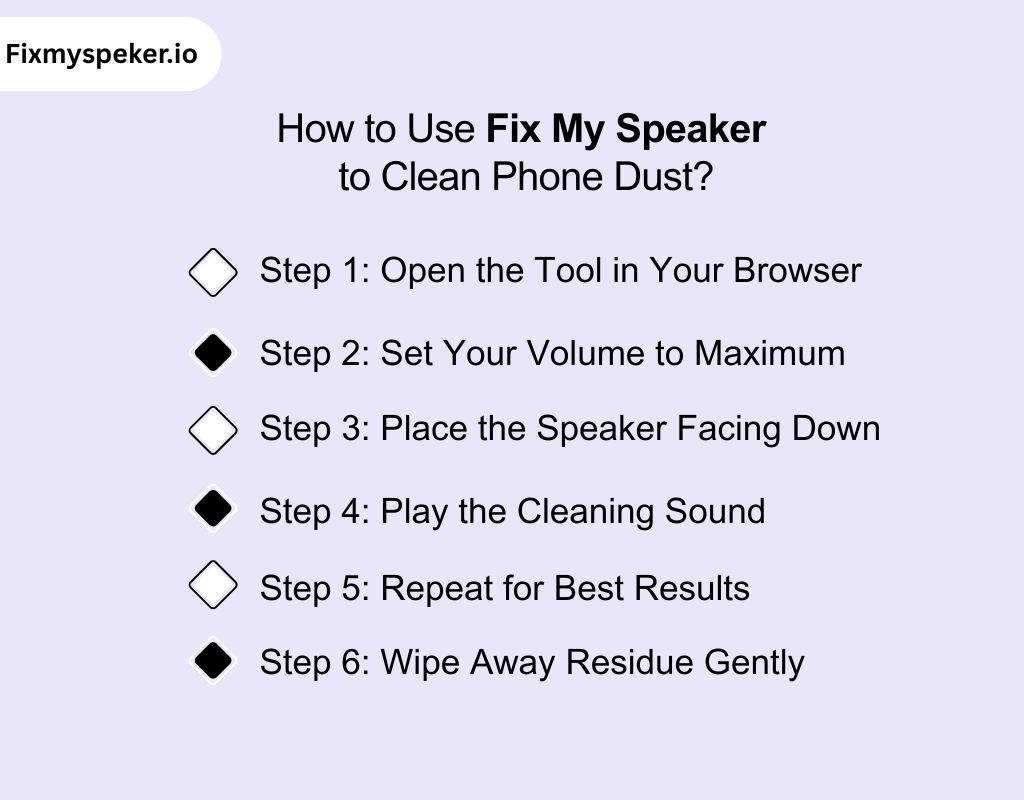
You can clear dust from your phone speaker in minutes using our tool. It’s a simple, safe process that requires no technical skills and helps you fix my upper speaker dust quickly.
Step 1: Open the Tool in Your Browser
Visit the Fix My Speaker website directly on your phone. The tool runs online, so you don’t need to download or install anything.
Step 2: Set Your Volume to Maximum
Turn your phone’s speaker volume all the way up. Higher output gives stronger vibrations, which improve dust loosening and make the cleaning more effective.
Step 3: Place the Speaker Facing Down
Hold your phone with the speaker grill pointing downward. This position allows loosened dust and particles to exit freely instead of settling deeper inside.
Step 4: Play the Cleaning Sound
Tap the play button to start the cleaning tone. The generated sound waves vibrate the mesh and surrounding area, dislodging fine particles stuck in the openings.
Step 5: Repeat for Best Results
Run the sound more than once if you notice muffled audio or visible debris. Short repeated sessions are more effective than one long attempt.
Step 6: Wipe Away Residue Gently
After the tone finishes, use a dry microfiber cloth to wipe the speaker grill. This clears away any loose dust that has surfaced during the cleaning.
How To Tell If It’s a Dust Vs a Software Issue
A muffled speaker or glitchy phone doesn’t always point to the same issue. Dust affects hardware, while software causes performance glitches.
Here’s how to fix my speaker dust cleaning android and tell the difference.
Symptoms of Dust Buildup
- Muffled or Distorted Audio – Sound feels quieter or unclear, often only from one side of the speaker.
- Uneven Volume Output – Music or calls fluctuate in loudness, even when the volume setting is constant.
- Crackling or Buzzing – Fine particles stuck in the mesh cause vibration noise during playback.
- Visible Debris – Dust or lint is often seen inside the grill or near the charging port.
- Heat Pockets – Dust traps heat around components, making the phone unusually warm.
Symptoms of Software Problems
- Lag or Freezes – Apps open slowly, animations stutter, or the screen hangs often.
- Unexpected Restarts – The phone shuts down or reboots without pressing the power button.
- Rapid Battery Drain – Energy drops fast even when idle, caused by rogue processes or malware.
- Connectivity Glitches – Wi-Fi, Bluetooth, or mobile data fail even with a strong signal.
- Random App Failures – Apps crash immediately on launch or display error loops.
How to Check Step by Step
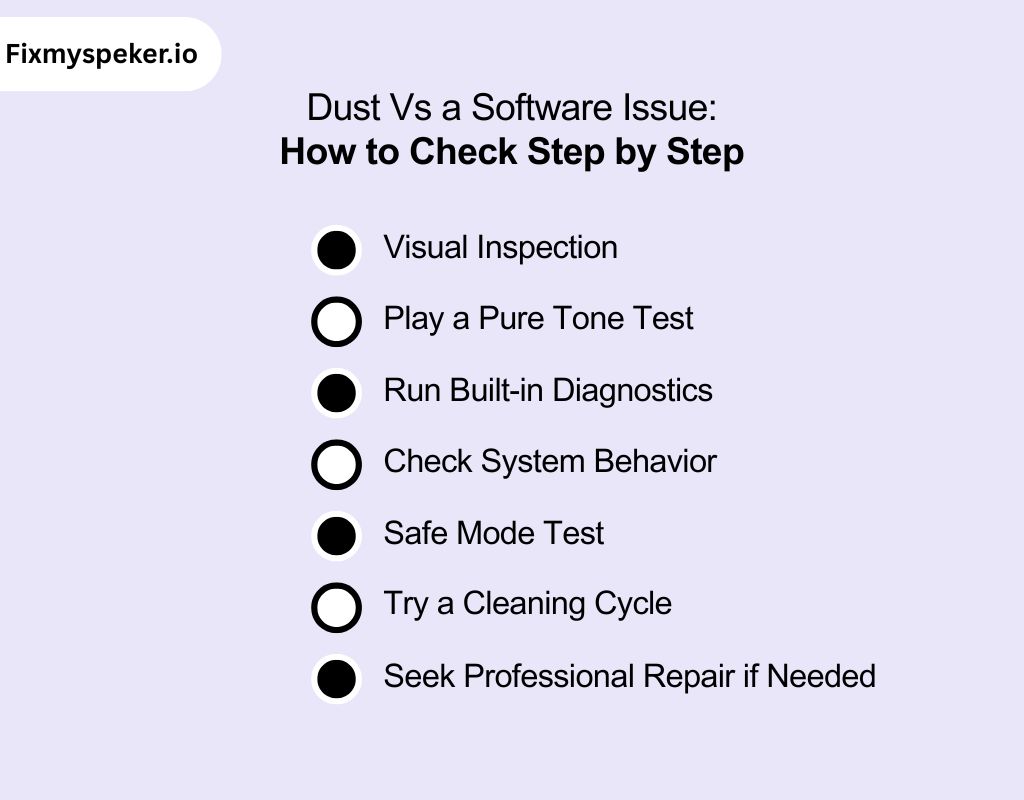
When dealing with speaker issues, it’s important to approach the problem systematically to pinpoint whether it’s caused by physical obstructions, software, or hardware malfunctions. Follow these steps to diagnose the issue and determine the best course of action.
Visual Inspection
Use a bright light and magnify the speaker grill. If you see dust or lint buildup, it points to a physical cause.
Play a Pure Tone Test
Use a frequency generator app or speaker cleaner platform to play sound waves. If audio clears briefly, the issue is dust.
Run Built-in Diagnostics
Many phones include hidden test codes (*#0# on Samsung, diagnostics in iOS settings). Run speaker and microphone checks.
Check System Behavior
Open your phone’s battery and performance section. If unknown apps are draining resources, it suggests a software fault.
Safe Mode Test
Boot your phone in safe mode. If the speaker works fine there, dust is unlikely, and third-party software is the culprit.
Try a Cleaning Cycle
Use a speaker cleaner cleaning tone. If clarity improves, dust was the main factor. If nothing changes, suspect software.
Seek Professional Repair if Needed
If problems persist after tests, consult a certified repair shop. Hardware or deeper firmware issues may require advanced tools.
Advantages of Using Our Mobile Speaker Dust Cleaner Tool
Keeping your phone’s speaker clear of dust is critical for sound quality. If you’ve ever searched for how to fix my call speaker dust android, our tool offers a smart, safe, and science-backed way to keep it performing at its best.
1. Non-Invasive Cleaning
The tool uses controlled sound frequencies instead of brushes or chemicals. This avoids physical contact, preventing scratches or damage to delicate speaker mesh and internal components.
2. Scientific Sound Vibration Method
High-frequency pulses create micro-vibrations that shake dust loose. This process mimics industrial cleaning methods but is adapted safely for mobile hardware, ensuring effective and targeted cleaning.
3. Instant and Easy to Use
You don’t need disassembly or special skills. With a single tap, the tool runs a cleaning cycle and restores sound clarity within seconds.
4. Safe for Long-Term Use
Unlike compressed air or sharp objects that can degrade parts, sound-based cleaning is repeatable without wear. You can refresh your speakers regularly without harming durability.
5. Improves Device Lifespan
By preventing dust accumulation, you reduce overheating and sound distortion. This not only preserves clear audio but also extends the overall performance and health of your smartphone.
Why Choose Our Speaker Cleaner Tool Dust Over Other Tools?
Our tool goes beyond generic cleaning by adapting sound frequencies to your device’s acoustic profile. It makes it the smartest way to fix my ear speaker dust sound, similar to methods used in audio engineering labs.
1. Dynamic Acoustic Profiling
Before cleaning, the tool runs a brief sound sweep to “listen” to your speaker’s response. It analyzes how your mesh and diaphragm resonate. This lets it tailor precise frequencies that aggressively shake out dust without overdriving the speaker.
2. Smart Pulse Modulation
Instead of a fixed tone, the tool uses micro-adjusted pulses based on your device’s feedback. It nudges just enough energy to loosen debris while staying within safe vibration limits, no one-size-fits-all flood of sound.
3. Device-Specific Resonance Maps
Every phone model has a different acoustic chamber (due to materials, mesh design, thickness). The tool uses resonance maps modeled from thousands of tests, so it hits “sweet spots” where dust is most likely trapped.
4. Adaptive Cleanup Cycle
The tool’s cleaning cycle evolves during the session. It starts with lower frequencies to tackle coarse particles, then gradually shifts mid and high tones as debris loosens. This dynamic sequence tracks what actually works on your device, not just an assumed formula.
5. Built-In Self-Limiting Controls
To prevent overuse, the tool monitors speaker response in real time. If it senses echo phases indicating a clean mesh, it tapers off. This avoids unnecessary sound bursts, helps preserve delicate speaker integrity, and offers the safest way to fix my speaker dust android.
Best DIY Methods for Cleaning Phone Speakers at Home
Cleaning phone speakers at home requires safe, precise methods. If you’re wondering how to fix my speaker dust, below are effective DIY approaches with step-by-step guidance
Method 1: Using a Soft Bristle Brush
Step 1: Take a clean, dry, soft-bristle toothbrush.
Step 2: Hold the phone upside down to prevent dust from falling deeper.
Step 3: Sweep gently across the grill in one direction only.
Method 2: Using Compressed Air (Low Pressure)
Step 1: Hold the phone at a slight downward angle.
Step 2: Keep the compressed air nozzle 4–5 inches away.
Step 3: Use short, controlled bursts rather than continuous spray.
Method 3: Using Sticky Tape or Lint Roller
Step 1: Cut a small piece of clear tape or use the edge of a lint roller.
Step 2: Press lightly against the speaker grill without forcing it in.
Step 3: Peel away to lift dust and debris stuck on the mesh.
Method 4: Using Adhesive Putty (Careful Application)
Step 1: Take a small piece of reusable adhesive putty.
Step 2: Lightly press it against the speaker grill.
Step 3: Lift straight up to pull dust without pushing it inward.
Method 5: Using Microfiber Cloth with Isopropyl Alcohol
Step 1: Slightly dampen a microfiber cloth with 70% isopropyl alcohol.
Step 2: Gently wipe around the speaker area.
Step 3: Avoid dripping liquid directly into openings.
Professional Cleaning vs DIY Manual Cleaning
Dust in speakers isn’t always the same. Light lint can be brushed away, but deeper buildup inside the mesh needs a smarter method.
That’s where our tool excels, providing an easy way to fix my speaker eject dust.
| Aspect | Fix My Speaker (Sound Cleaning) | DIY Manual Cleaning |
| Depth of Cleaning | Uses sound-induced vibrations to shake loose particles trapped inside grills and mesh. Reaches areas brushes cannot. | Limited to surface-level dust. Hidden particles usually remain untouched. |
| Consistency of Results | Works the same way every session—reliable removal without user skill involved. | Results depend on technique, hand pressure, and tool quality. |
| Risk Factor | Zero risk of scratching speaker mesh or forcing dust deeper. 100% non-contact cleaning. | Risk of pushing dust further in or damaging mesh with brushes or compressed air. |
| Time & Effort | One-click tool, results in under 30 seconds. No prep or supplies needed. | Multiple steps with brushes, putty, or air cans. Takes more time and effort. |
| Cost Over Time | Free online access, unlimited use. No recurring costs. | Requires purchasing tools (brushes, air cans, tapes). Needs replacements over time. |
| Suitability for Modern Phones | Safe for waterproof, delicate, or tightly sealed models where manual cleaning is tricky. | Often ineffective or unsafe for sealed speakers in modern phones. |
What Not to Do when there is dust in the phone speaker
Avoiding common cleaning mistakes is just as important as using the right methods. If you want to fix my ear speaker dust cleaning sound, here’s what not to do and why it matters.
- Don’t insert cotton swabs into the grill. Cotton fibers break off easily and can worsen clogging inside the mesh.
- Avoid using vacuum cleaners directly on the phone. The suction may damage internal solder points or pull delicate parts loose.
- Never use sticky tape or glue-based products. Adhesive residues can trap more dust and permanently block sound output.
- Do not submerge the phone in water or soap. Even water-resistant models are not designed for prolonged immersion, which risks corrosion.
- Avoid using abrasive cloths or sandpaper-like materials. These can scratch the protective mesh or housing, weakening the barrier against future dust.
- Don’t heat the speaker with hair dryers or hot air guns. Excess heat warps plastic components and can weaken adhesives around the speaker.
Prevention Tips to Keep Dust Out of Speakers
Dust may seem harmless, but it steadily reduces sound quality and strains delicate speaker components. Using the right habits and tools, like a reliable sound iphone and android remover, you can prevent buildup and extend your phone’s performance.
Use a protective phone case with port covers
A case designed with dust flaps shields your speaker openings from direct exposure. It reduces the chance of particles settling inside when you carry your phone in pockets or bags.
Keep your phone in a clean, dry environment
Avoid leaving it on dusty surfaces or inside backpacks with loose particles. Storing the device in a dedicated pouch minimizes contact with dirt, lint, and fibers.
Clean your pockets and bags regularly
Much of the dust entering speakers comes from lint in clothing or bags. Shaking out pockets, vacuuming bags, and avoiding storage with tissues can significantly lower debris transfer.
Avoid using your phone in dusty outdoor settings
Activities like construction work, cycling on dirt paths, or being near sand can push fine particles into the grill. If exposure is unavoidable, wipe down the exterior soon after.
Wipe the exterior with a soft microfiber cloth weekly
A light surface wipe removes loose dust before it settles deeper into the grill. Unlike tissues or paper towels, microfiber cloths trap particles without shredding fibers.
Consider using a dust mesh or speaker guard
Thin mesh protectors are available to place over speaker openings. They add a physical barrier without reducing sound quality, keeping fine particles from entering directly.
In Closing
A clean speaker is key to sharp, uninterrupted sound and the overall health of your phone. Dust may seem minor, but over time, it interferes with audio clarity and strains delicate components.
Simple at-home methods work for light buildup, yet modern tools provide a faster, safer, and more precise solution.
By combining smart cleaning practices with prevention, you secure both sound quality and device longevity, keeping your phone reliable and performing at its best.
Frequently Asked Questions
How to get rid of dust in speakers?
You can clear dust using compressed air, a soft brush, or sound-cleaning tones. If you’re wondering how to get dust out of speaker, always avoid sharp tools or strong air pressure, as they can damage your speaker. Consistent care keeps sound sharp.
Can dust ruin a speaker?
If you’ve ever wondered can dust damage speakers, the answer is yes. It removes dust build up muffles your sound and strains delicate parts. Over time, this may cause distortion or shorten your speaker’s lifespan.
How do I clean up my speaker?
Start by wiping the outside with a microfiber cloth. Then, use compressed air or a cleaning tone tool to clear dust inside. Never spray liquid directly into your speaker grill.
Can I put my phone in rice?
No, you shouldn’t. Rice leaves starch particles that add more dust. Instead, use silica gel packs or a professional drying tool. They’re much safer and more effective.
Can I vacuum my speakers?
You shouldn’t. Vacuums create suction strong enough to tear or dislodge speaker parts. Stick with safe methods like a soft brush or controlled sound cleaning.
Does dust damage a phone speaker?
Yes. Dust blocks sound, reduces clarity, and affects vibration. If you notice muffled or distorted audio, it’s often because dust has already started interfering with performance.
Do speakers need dust covers?
Yes, they do. A cover or mesh stops particles from getting inside without reducing airflow or sound quality. Adding one is an easy way to protect your speakers long-term.
Should I clean my speakers?
Yes, you should. Light cleaning every few weeks prevents dust buildup, keeps audio crisp, and avoids costly repairs later. Regular care is the best way to protect your phone.
Why do people take the covers off speakers?
Some people remove covers for looks or because they think it improves sound. But covers protect against dust, so leaving them off puts your speaker at risk.